
How do I know what type of Logitech wireless technology I have?
If you have a USB receiver, start by identifying which type of USB receiver you have.
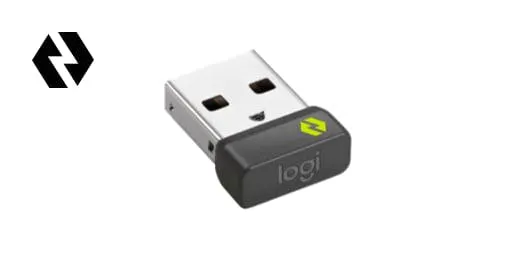
Logi Bolt USB Receiver
LOGI BOLT
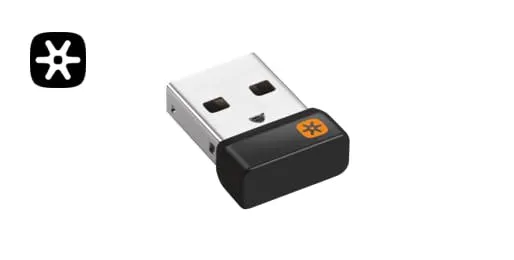
Logi Bolt USB Unifier
LOGITECH UNIFYING
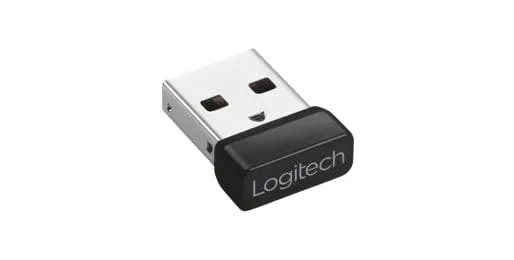
Logi Bolt 2.4 Receiver
2.4 RECEIVER
Next, if unsure what type of wireless mice and keyboards you have, look for a matching logo mark on the bottom (the side that rests on the desk surface) of your Logitech wireless products.
If your Logitech wireless device did not come with a USB receiver, your wireless keyboard or mouse may have Bluetooth wireless connectivity or is Logi Bolt enabled. Look for a Logi Bolt logo on the bottom (the side that rests on the desk surface) of your Logitech wireless products. If you see a Logi Bolt logo that means your device is compatible with a Logi Bolt USB receiver even if one did not come in the box. If you’d like a high-performance, secure connection with Logi Bolt, you can purchase a Logi Bolt USB receiver on Logitech.com or at leading retailers that carry Logitech products.