2.9 Meeting Rooms - Bulk CSV Edit
Bulk CSV Inventory Edit
Sync allows you to edit your inventory in bulk via CSV download and upload. This makes it extremely easy to do tasks like renaming all of your rooms, or adding seat count to all of your spaces for Insights.
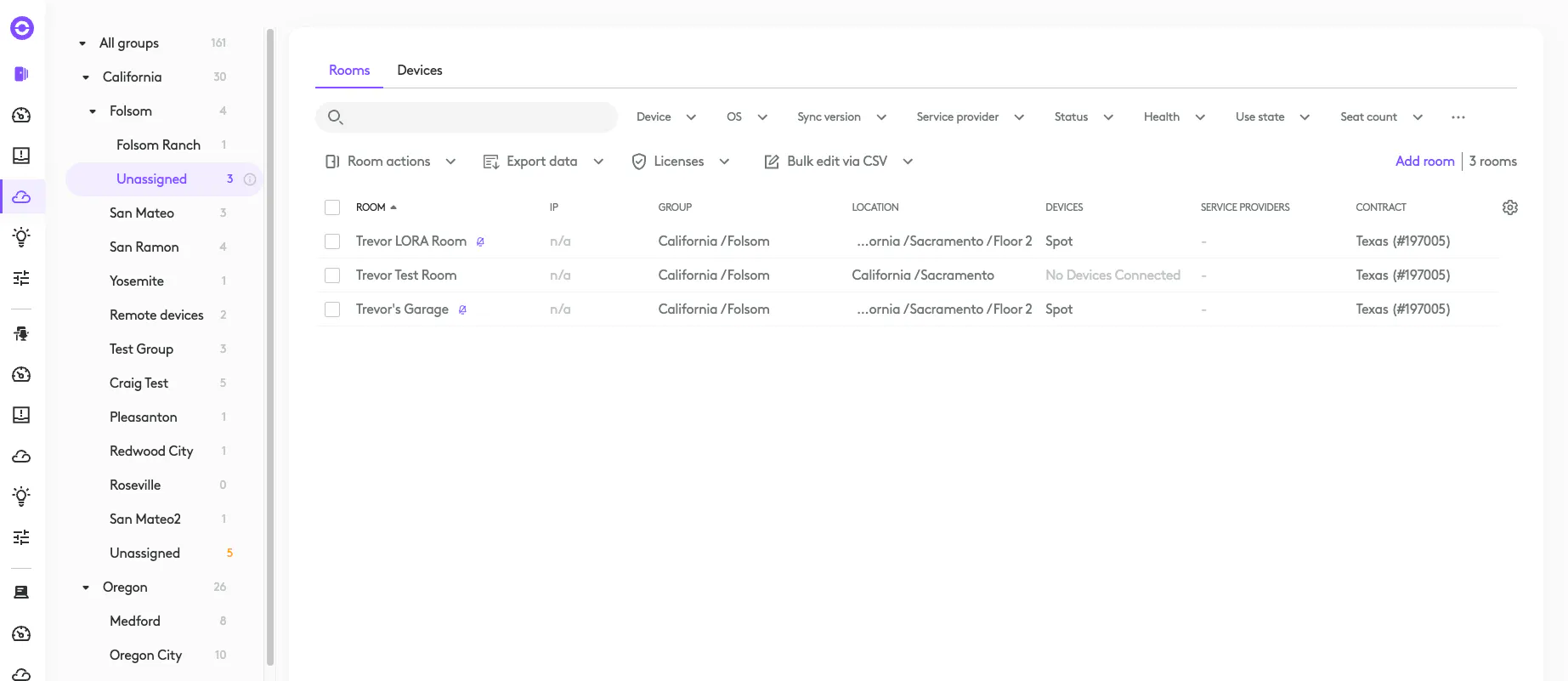
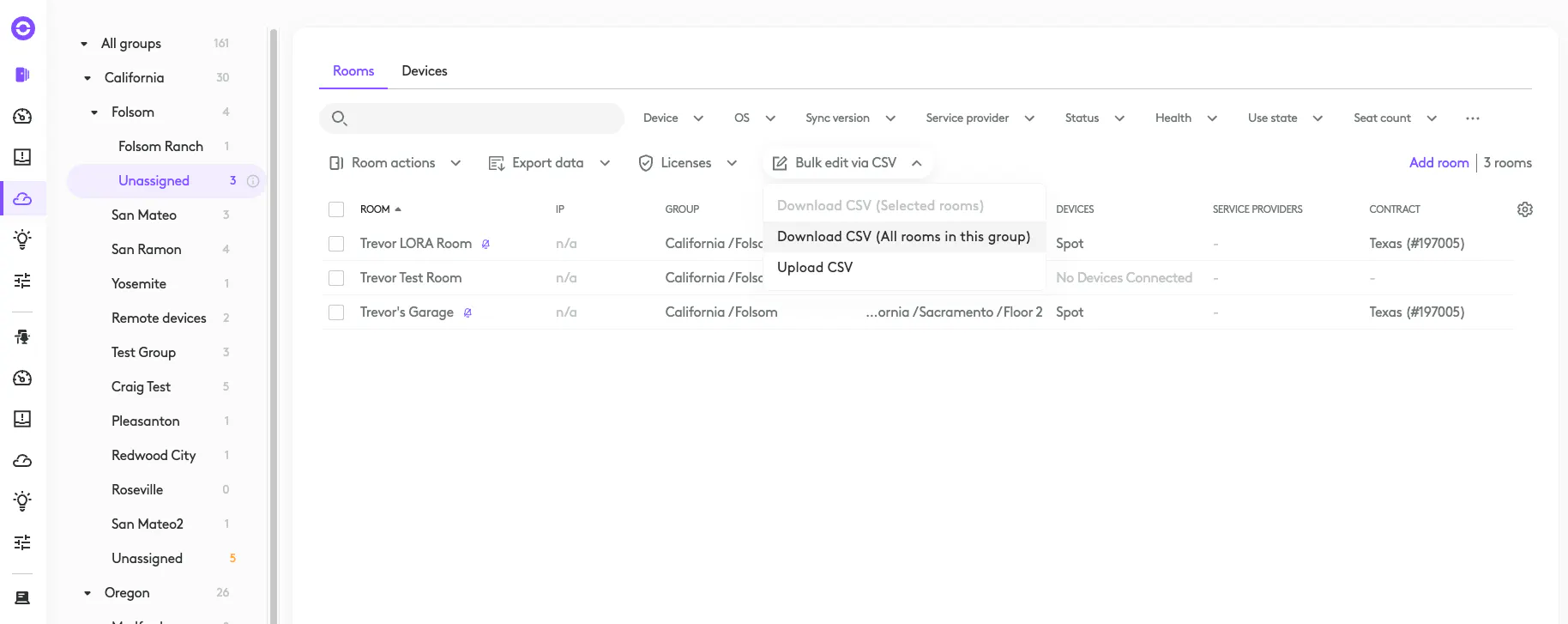
First, download your CSV from the inventory
Edit your CSV, here I’m adding a license assignment to a room.

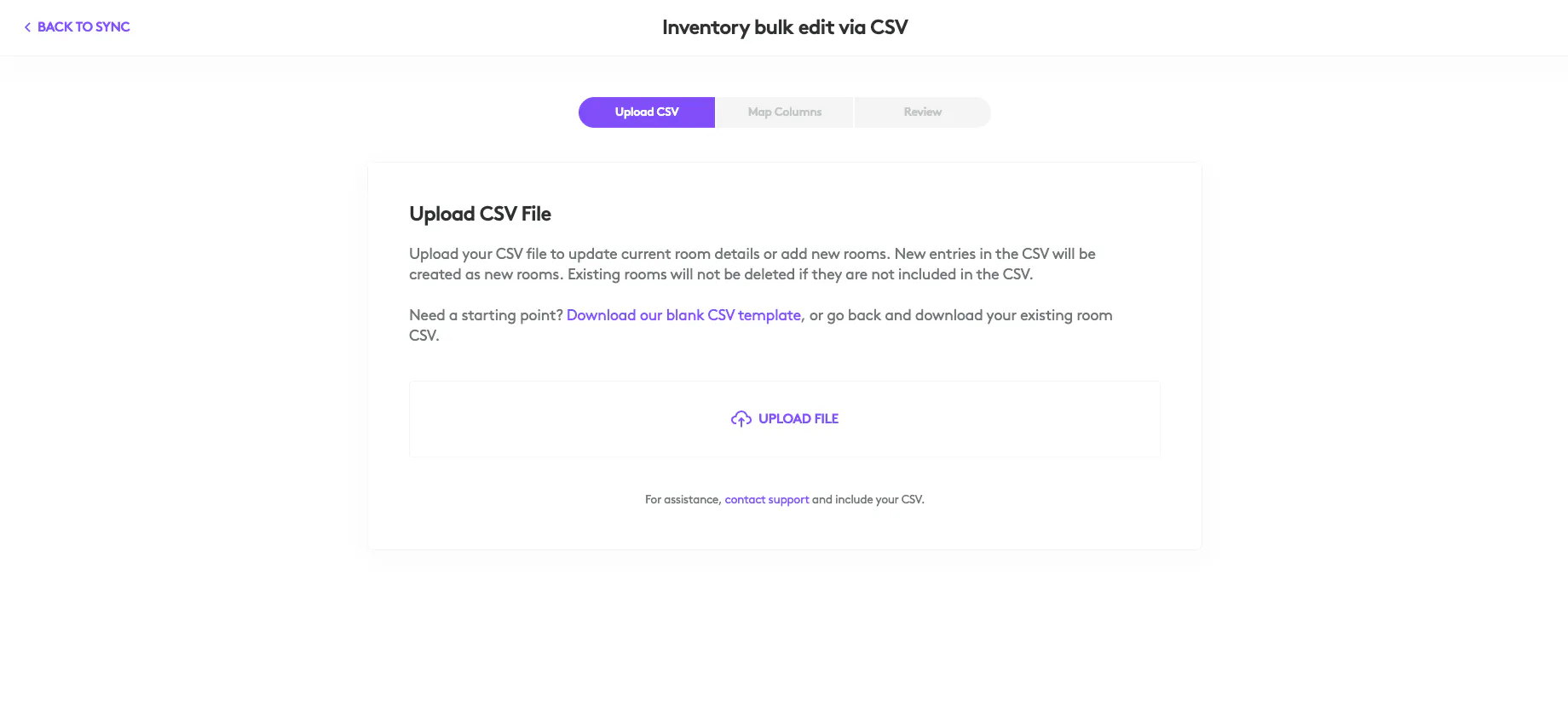
Upload your CSV
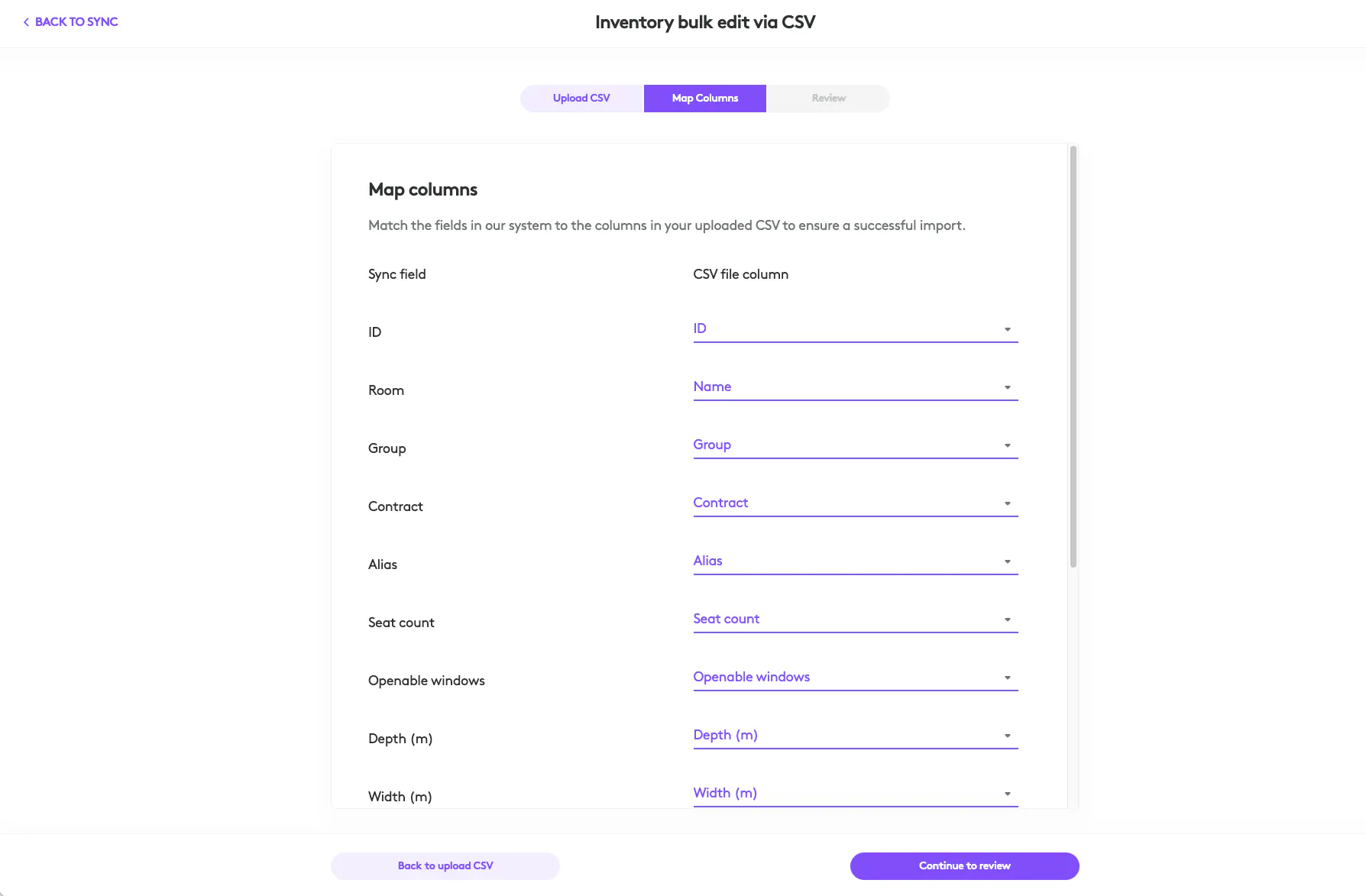
Map columns if needed
Review changes, I can see my license is now assigned
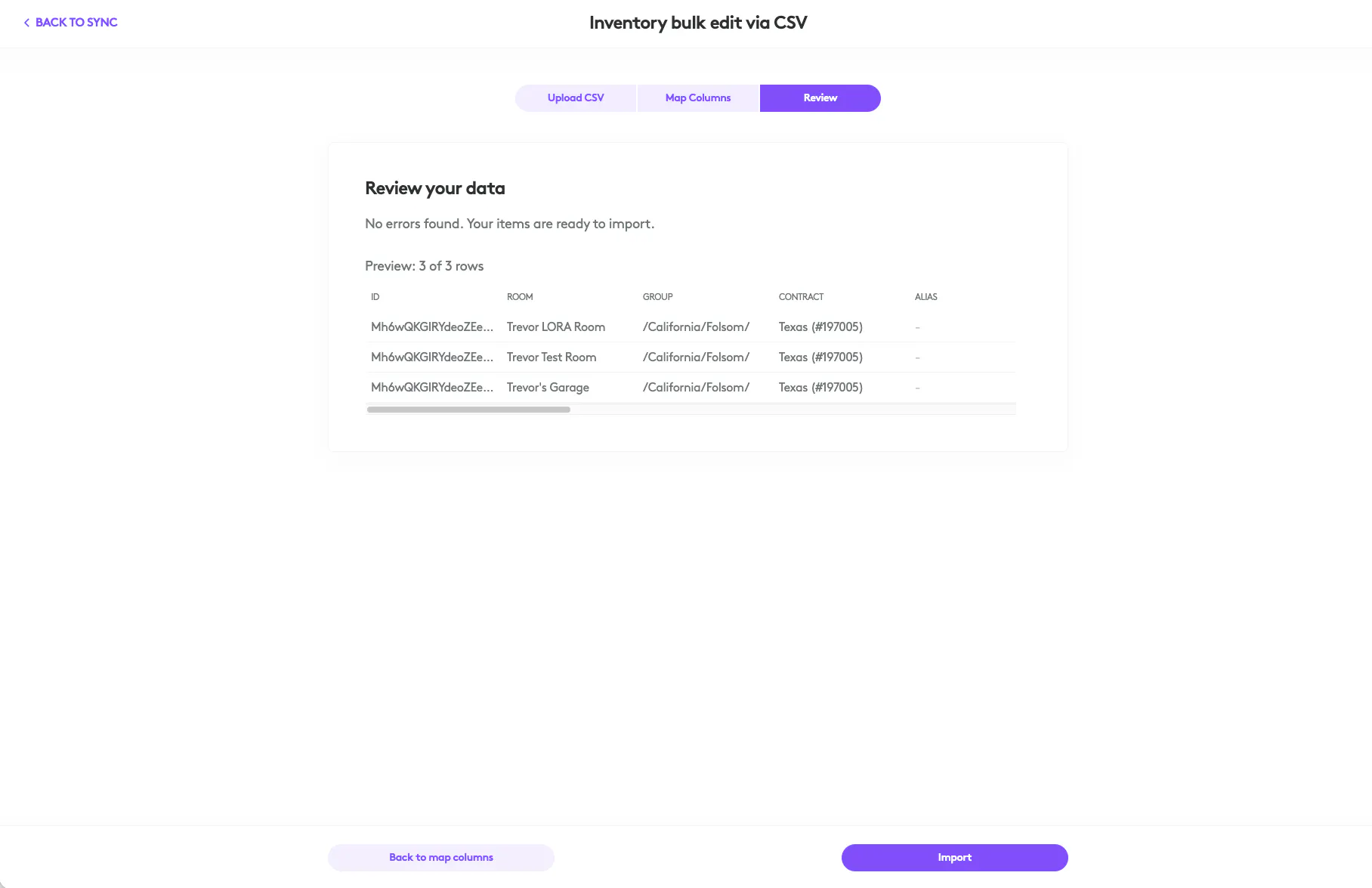
Import your changes
View final changes in the inventory