Enabling Touch Controls on CollabOS Touch Displays in Teams Rooms on Android
Background
When a CollabOS device with a touch-enabled display is paired with an external controller—such as a Tap IP or Tap with Cat5e kit—the on-screen touch interface may disappear or become unavailable. This happens because the Microsoft Teams Rooms application automatically prioritizes the external controller. Administrators can manually re-enable the on-screen touch interface if needed.
Prerequisites
Complete the setup (OOBE) of the CollabOS device with a touch-enabled display while paired to a Tap IP or connected to a Tap with Cat5e kit.
If you have two touch displays connected, complete the Multiple Touch Display setup as described in this guide.
After setup, touch controls are automatically disabled by default in the Teams Rooms app.
Manually re-enabling on-screen touch controls
You can manually re-enable touch controls by pushing a Teams configuration profile through Teams Admin Center or by changing Teams Admin Settings directly on the device.
Alternative 1: Push a Teams Configuration Profile via Teams Admin Center
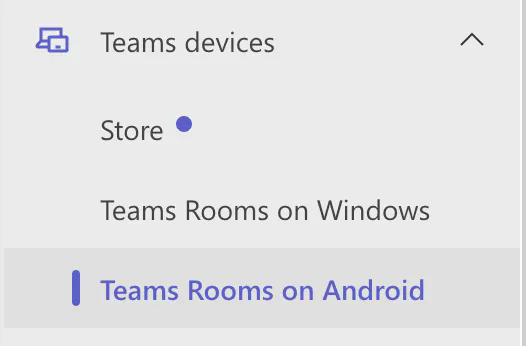
Click Teams Devices in the left pane
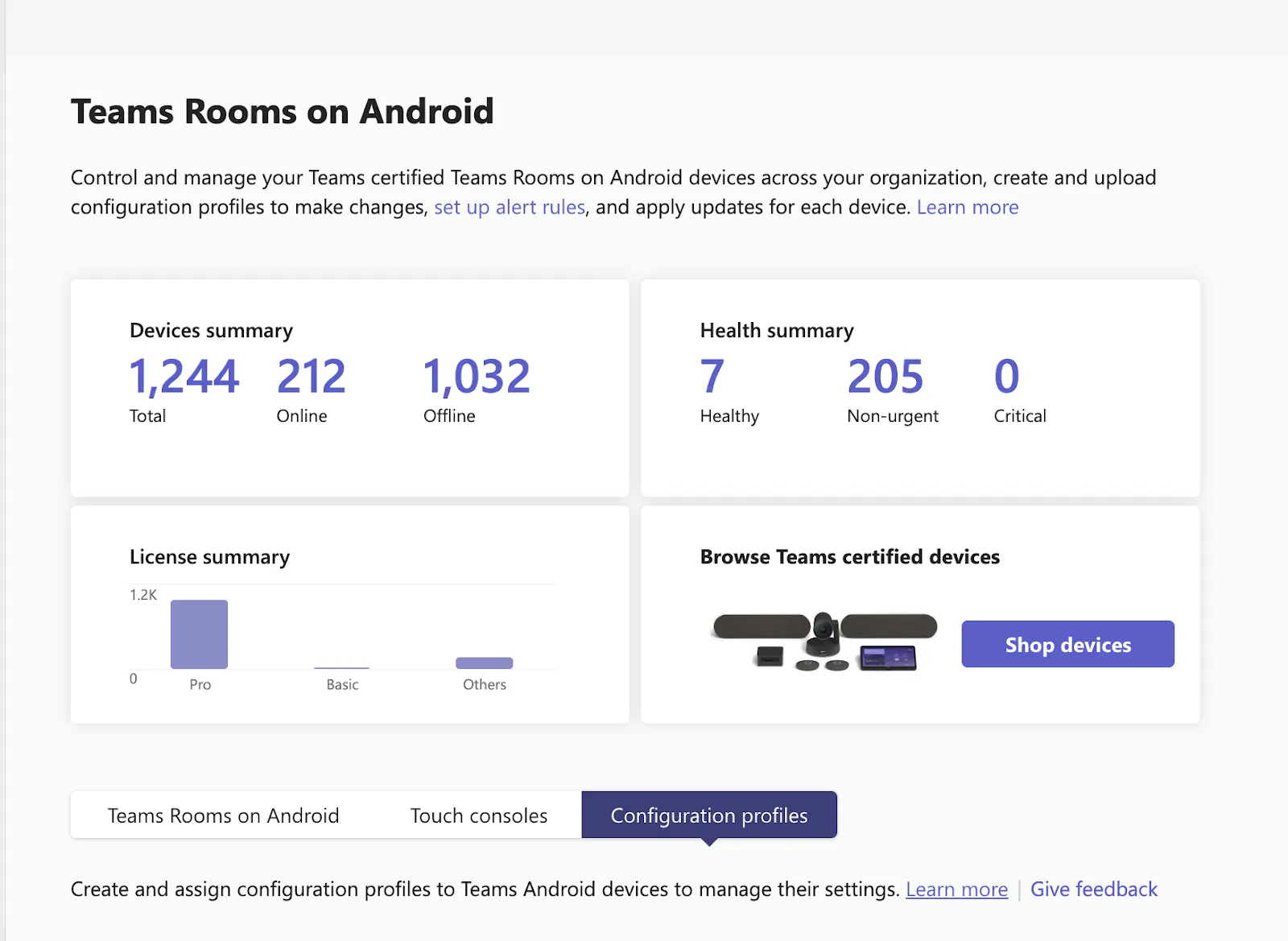
Click Configuration profiles
If you already have an existing profile, select the profile currently assigned to the device you want to enable touch controls on and skip to step 7.
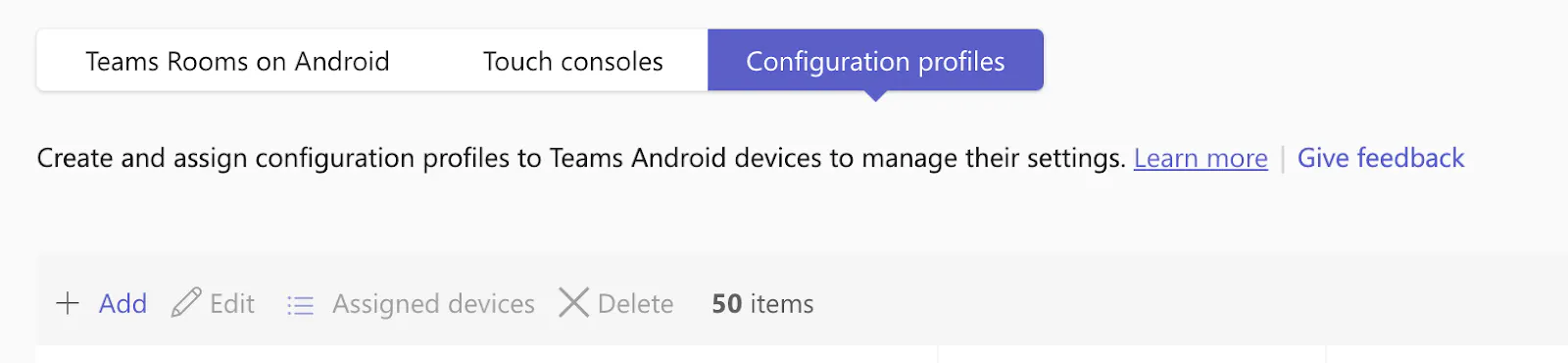
If no profile exists for this device, click Add profile to create a new one.
Name the profile

Set Enable touch screen controls On

Save changes
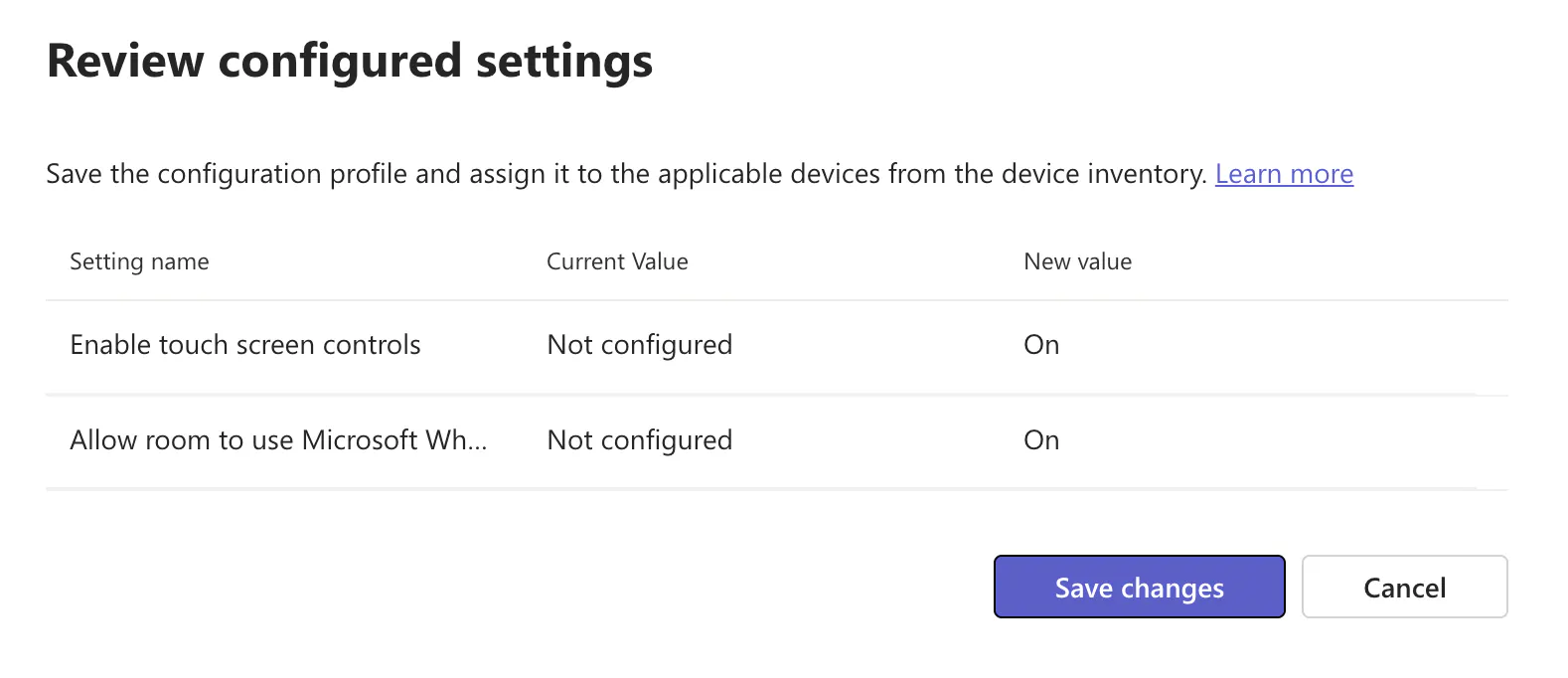
Select Teams Rooms on Android, and then select the CollabOS device(s) that should receive the configuration profile
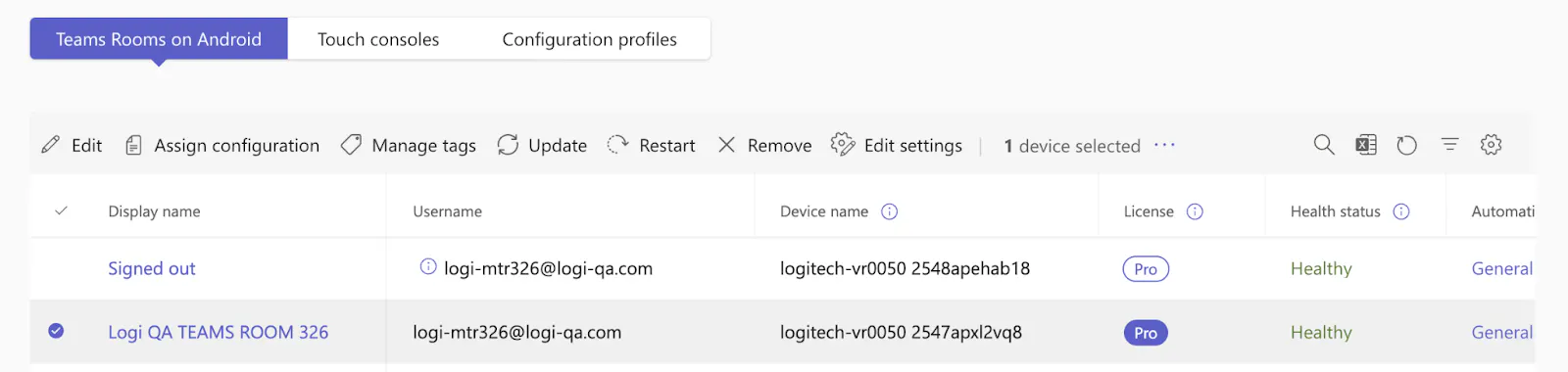
Assign configuration
Select the profile you just created and push it to the device.
Now the Touch controls shall appear on your CollabOS device
Alternative 2: Enable Touch Controls via Teams Admin Settings
After the device and Teams Rooms are set up, click the “... More” button.
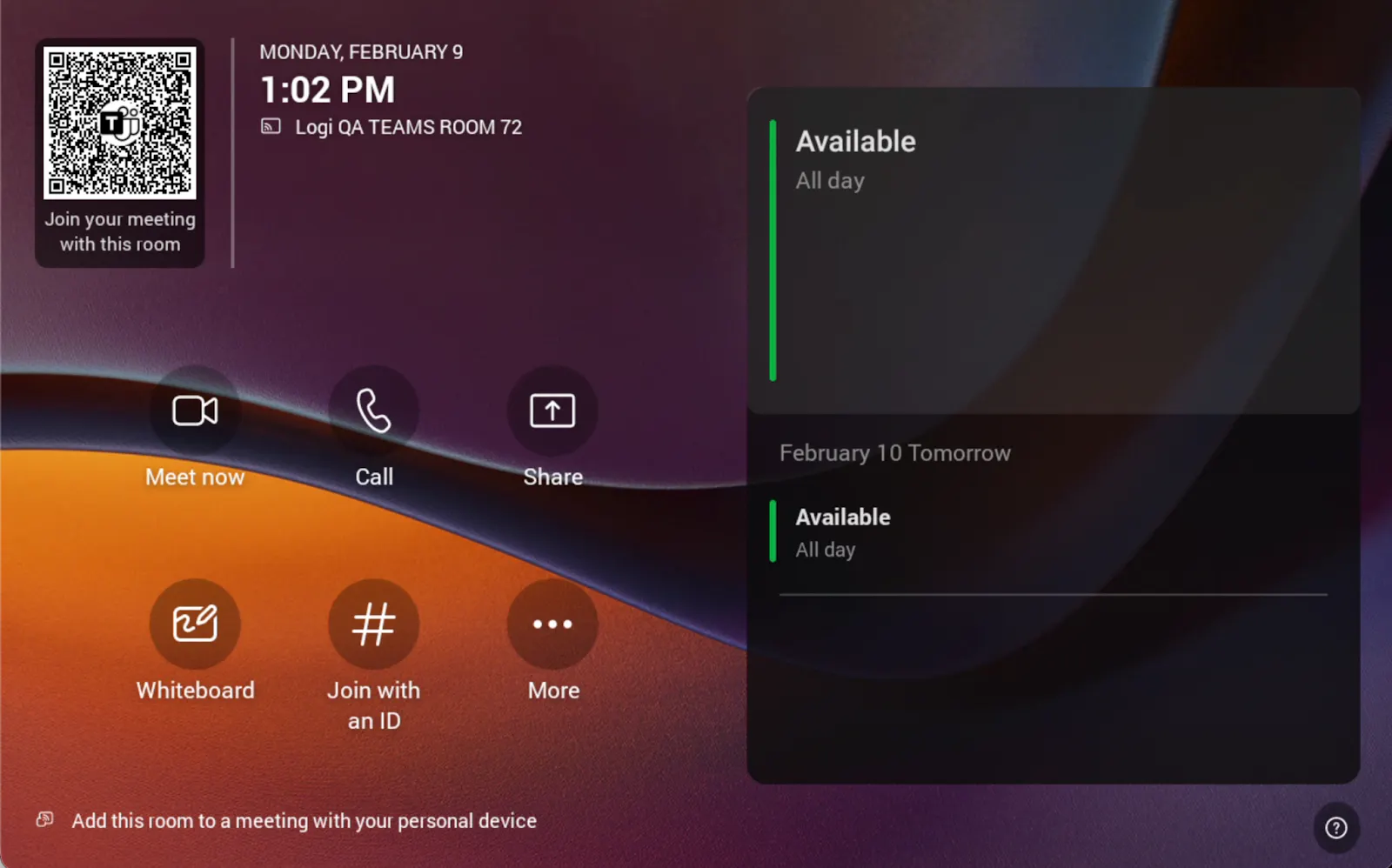
Click the Settings button
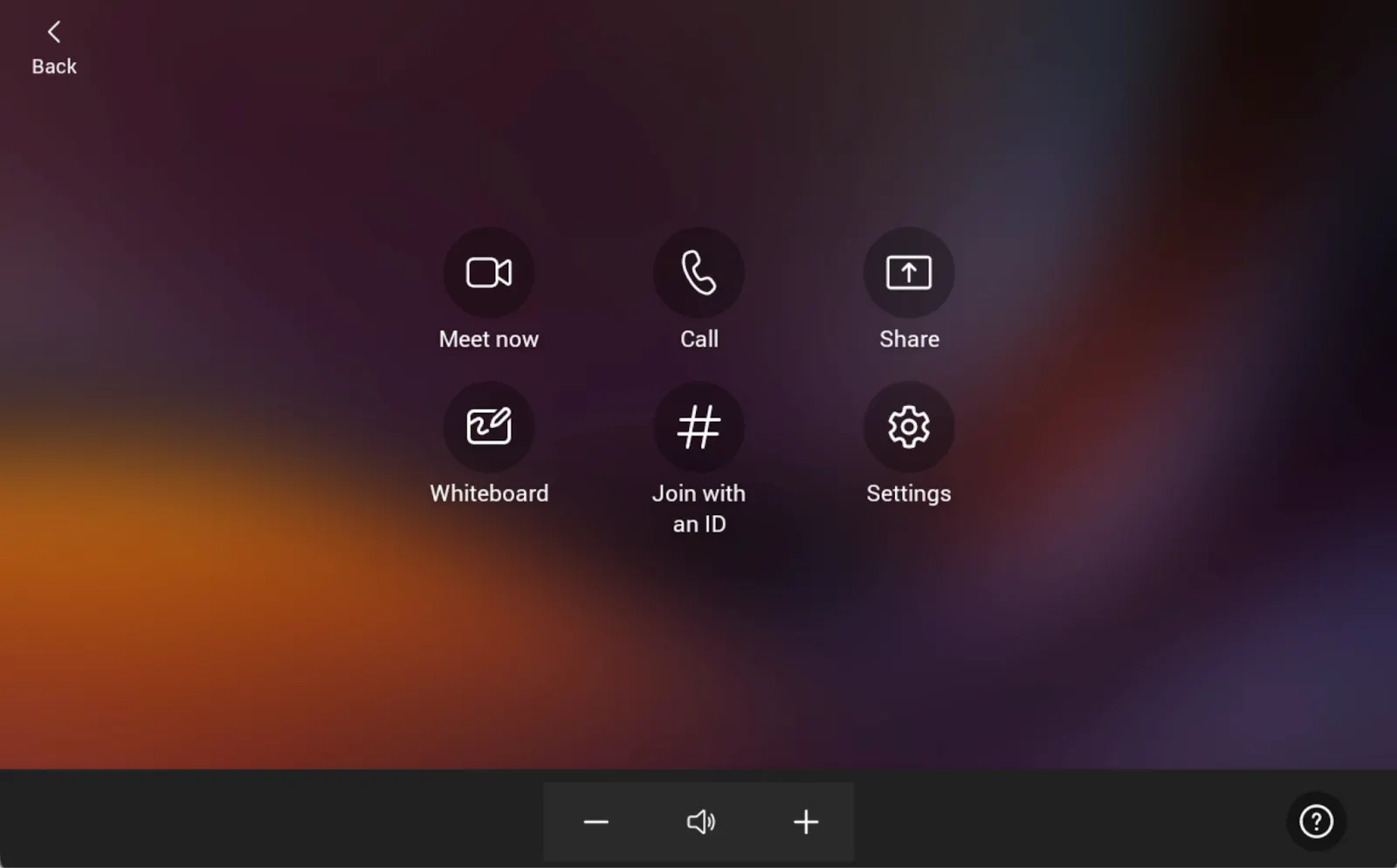
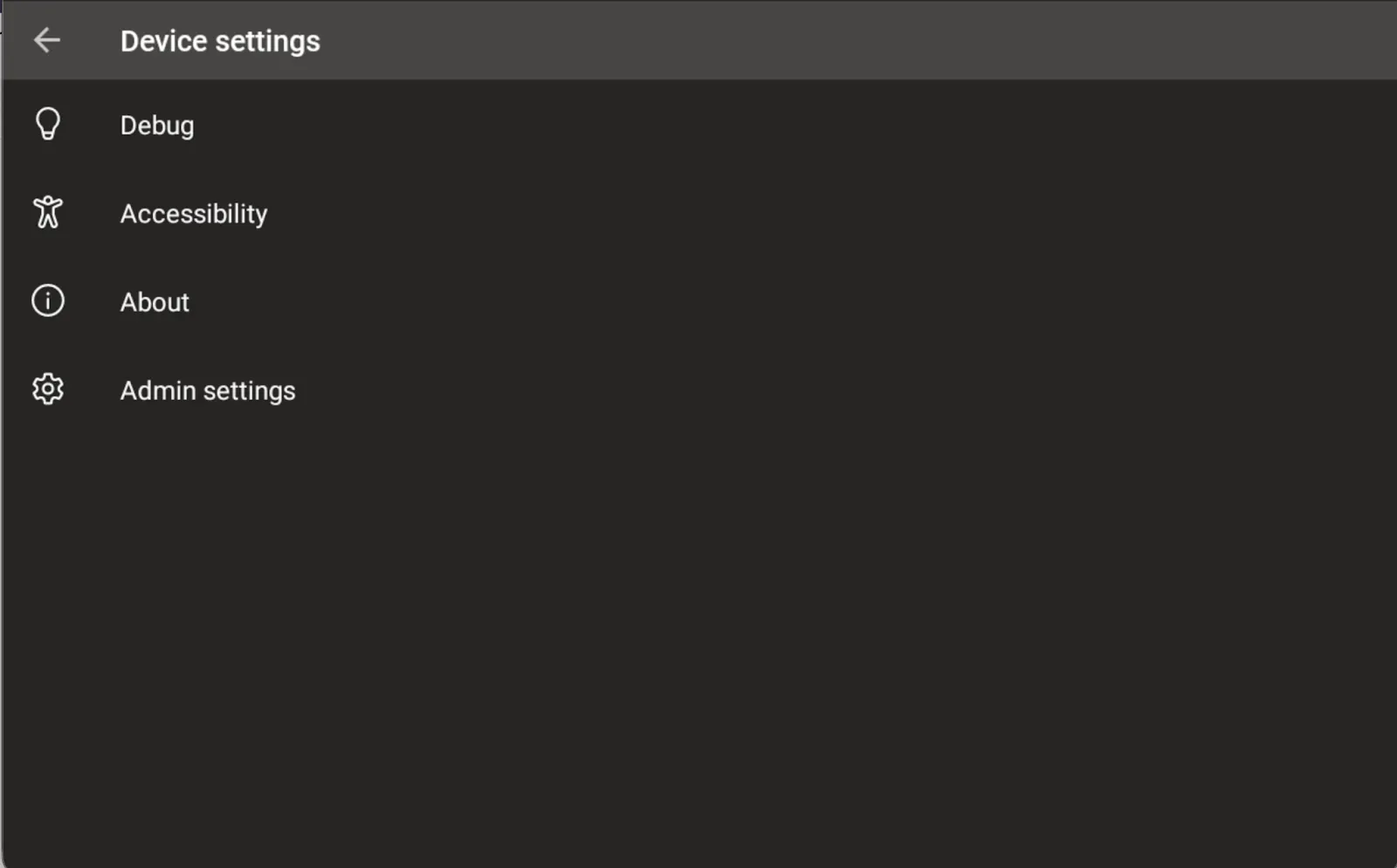
Click Device settings
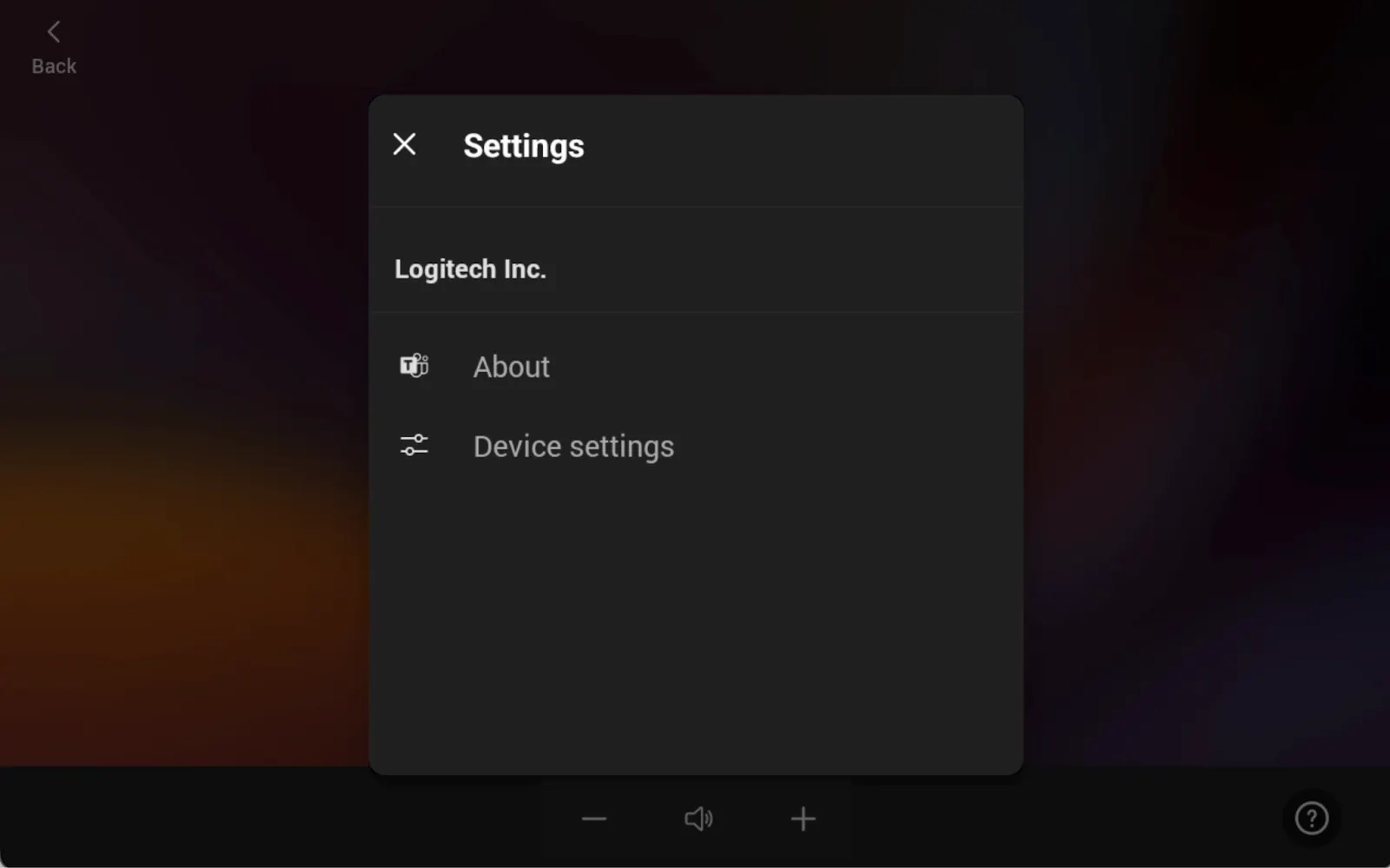
Click Admin settings
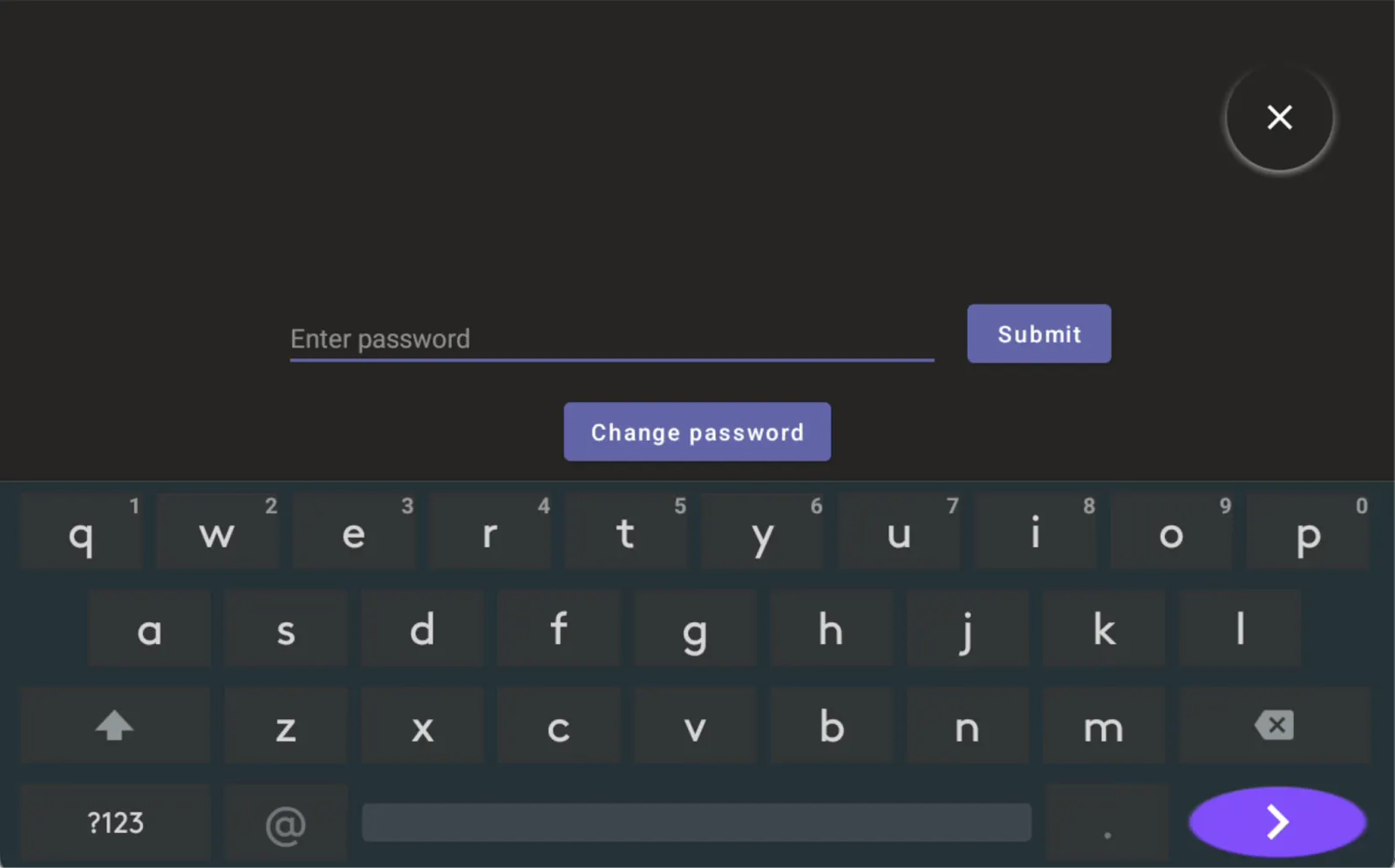
Enter the admin password
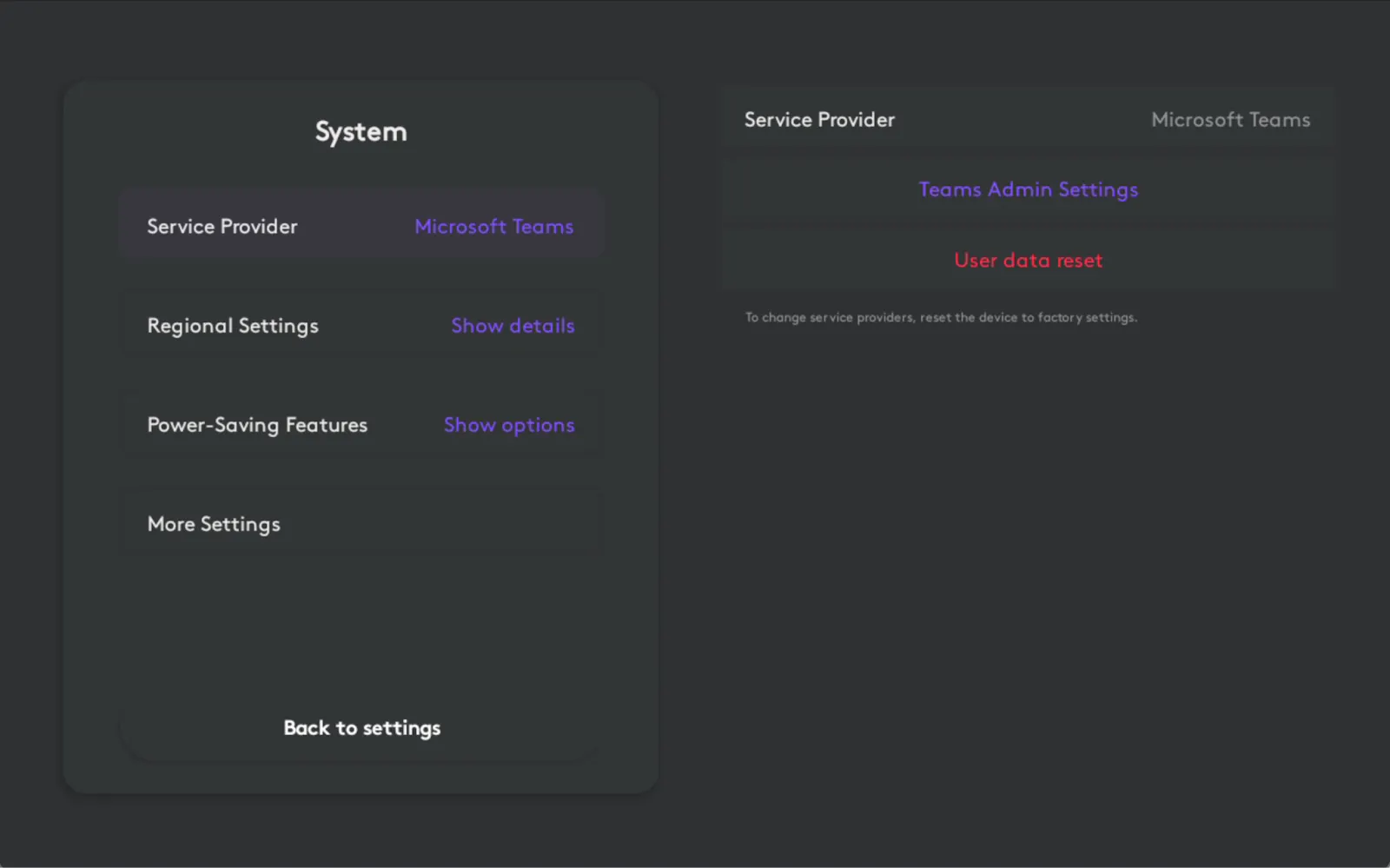
Click the System tile
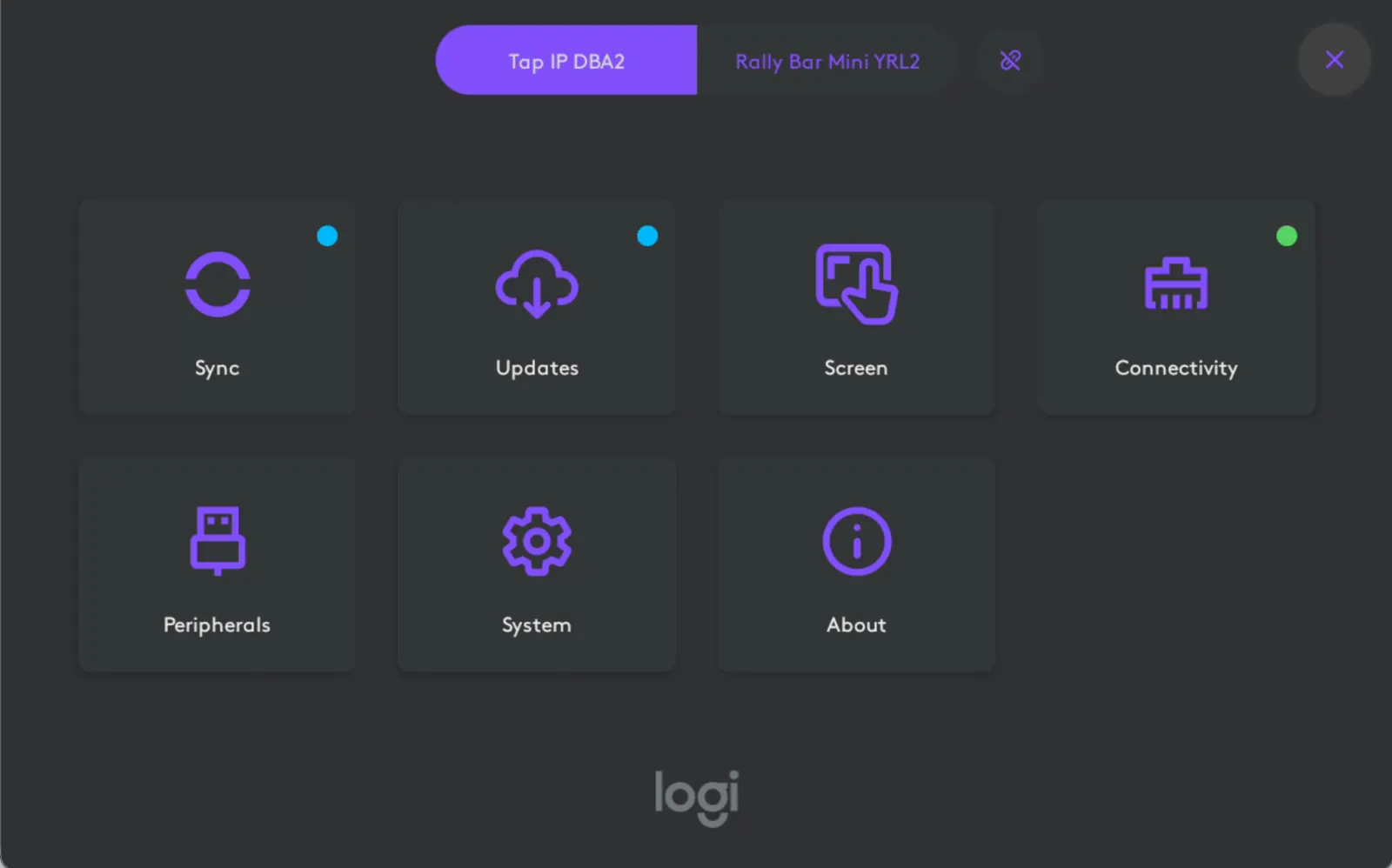
Click the Teams Admin Settings button
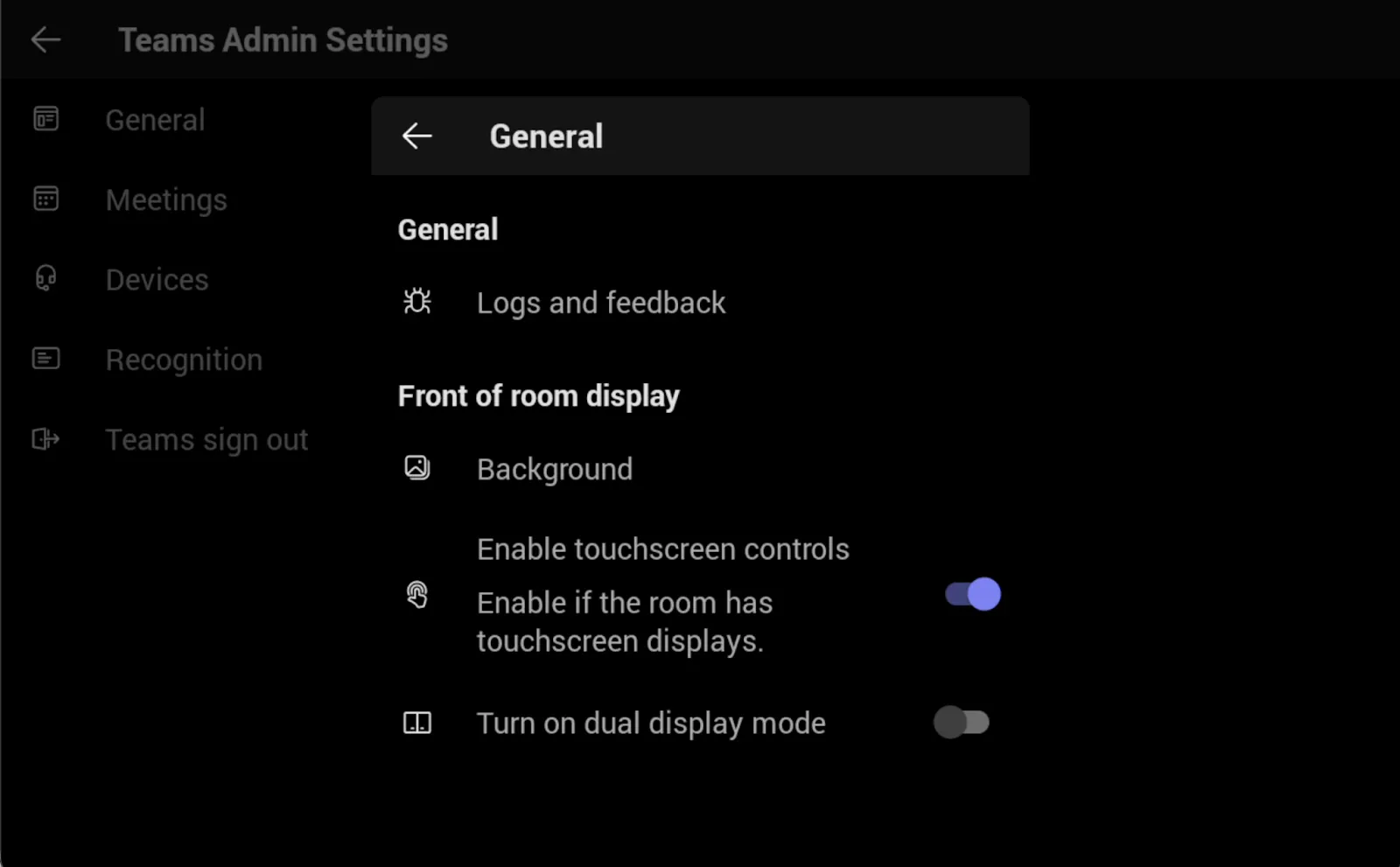
Click General
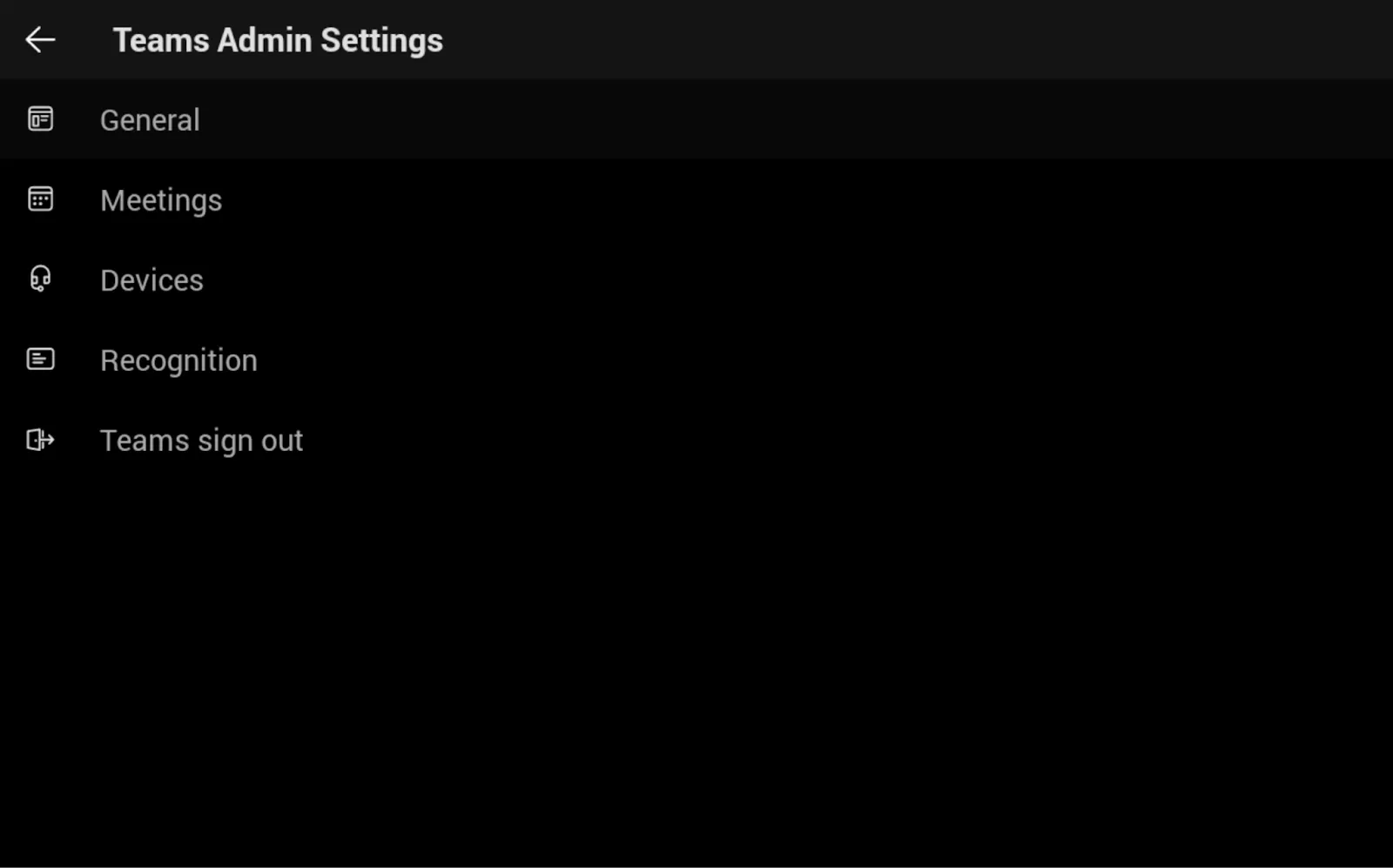
Enable the toggle switch Enable touchscreen controls