
Upgrading your Zoom Rooms for Small Meeting Rooms and Huddle Spaces
Meeting rooms and spaces for employees need reliable and smart solutions. As the way we work evolves, organizations can enable employees to collaborate with the right solutions. For small meeting rooms and huddle spaces, upgrading your existing Zoom Rooms is simple and intuitive with Logitech solutions. Video bars like Logitech’s MeetUp 2 or Rally Bar Huddle help provide powerful AI capabilities that deliver superior audio quality and dynamic video framing, integrate seamlessly with Zoom’s platform, and offer centralized and efficient device management through Logitech Sync and Zoom Device Management.
Let’s take a look at a couple of scenarios for small meeting rooms and huddle spaces.
Upgrading your PC-based Zoom Rooms
For those with PC-based Zoom Rooms, upgrading to MeetUp 2 can easily work with your current deployments and with our PC-based bundle, ensuring that your hardware remains Zoom-certified.
MeetUp 2 provides superior AI capabilities powered by RightSound 2 and RightSight 2. With RightSound 2, MeetUp 2 captures clear audio while removing noises and equalizing voice volume at different distances. With RightSight 2, MeetUp 2 automatically frames in-room participants through several camera AI features, including:
Speaker View: Detects the active speakers and focuses on them while displaying the entire room view for additional context.
Group View: Automatically detects all participants in the room and frames them together.
Grid View: Automatically zooms and frames individual meeting participants.
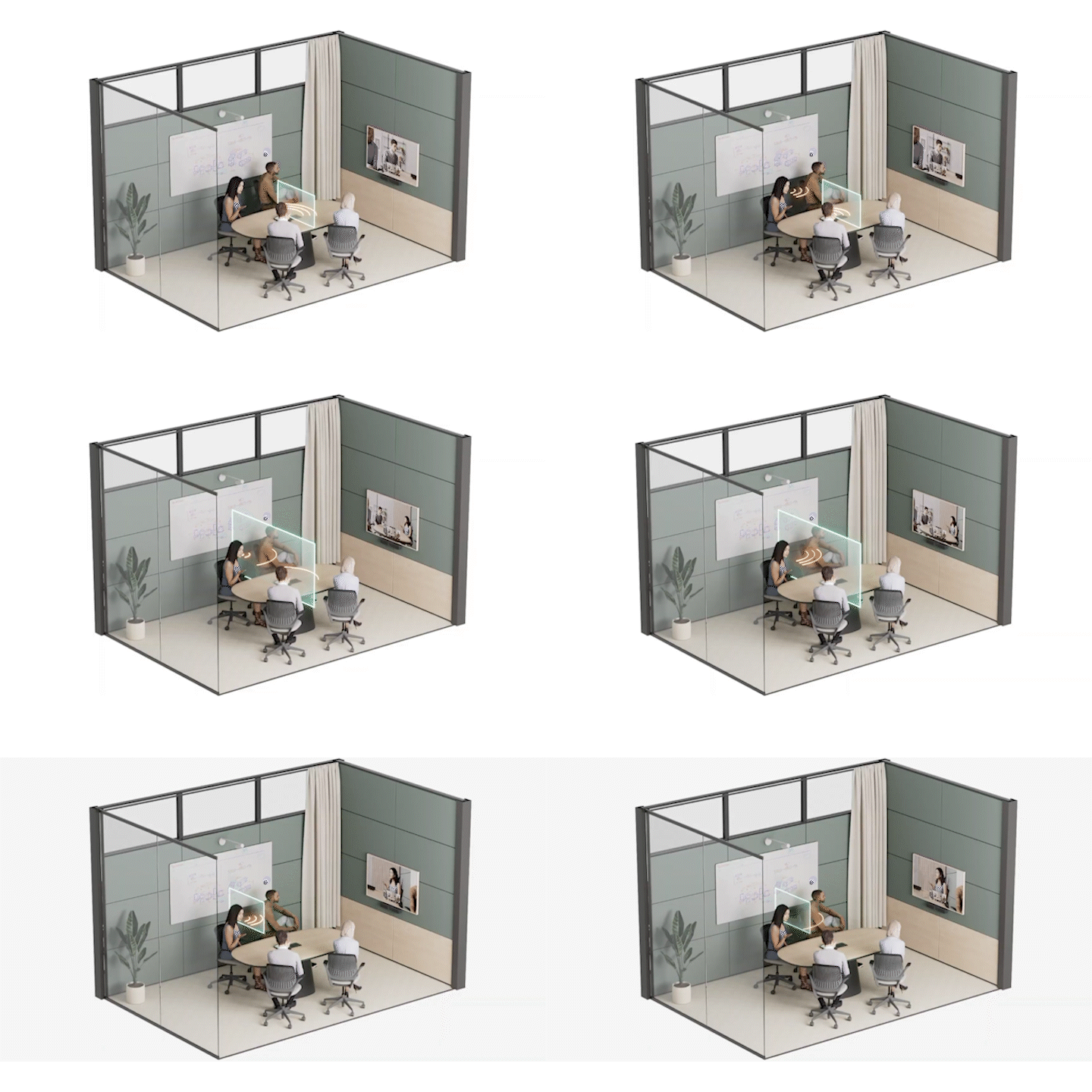
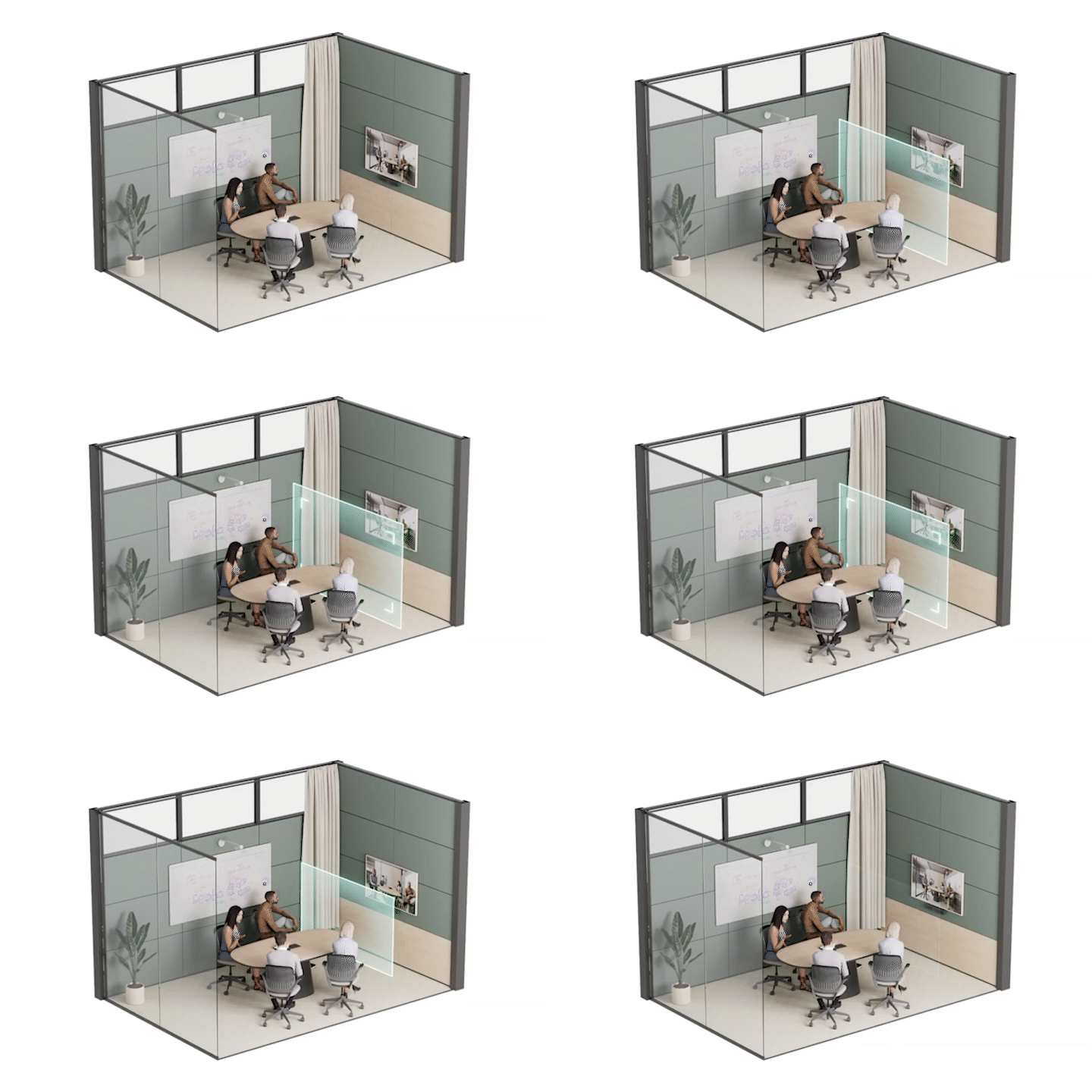
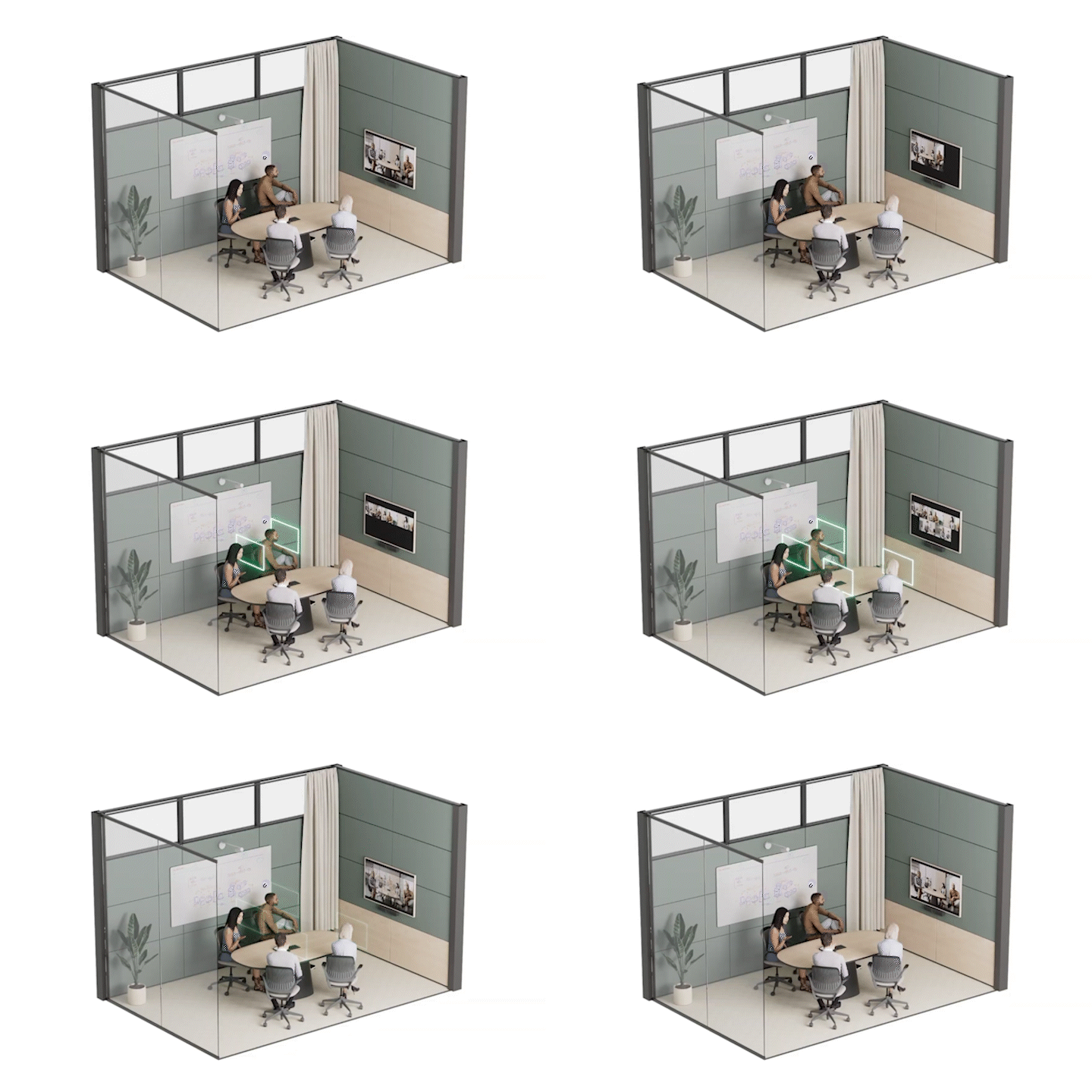
These AI-powered enhancements ensure that every meeting participant is seen and heard with intelligence that adapts to the room environment, fostering more inclusive and effective collaboration.
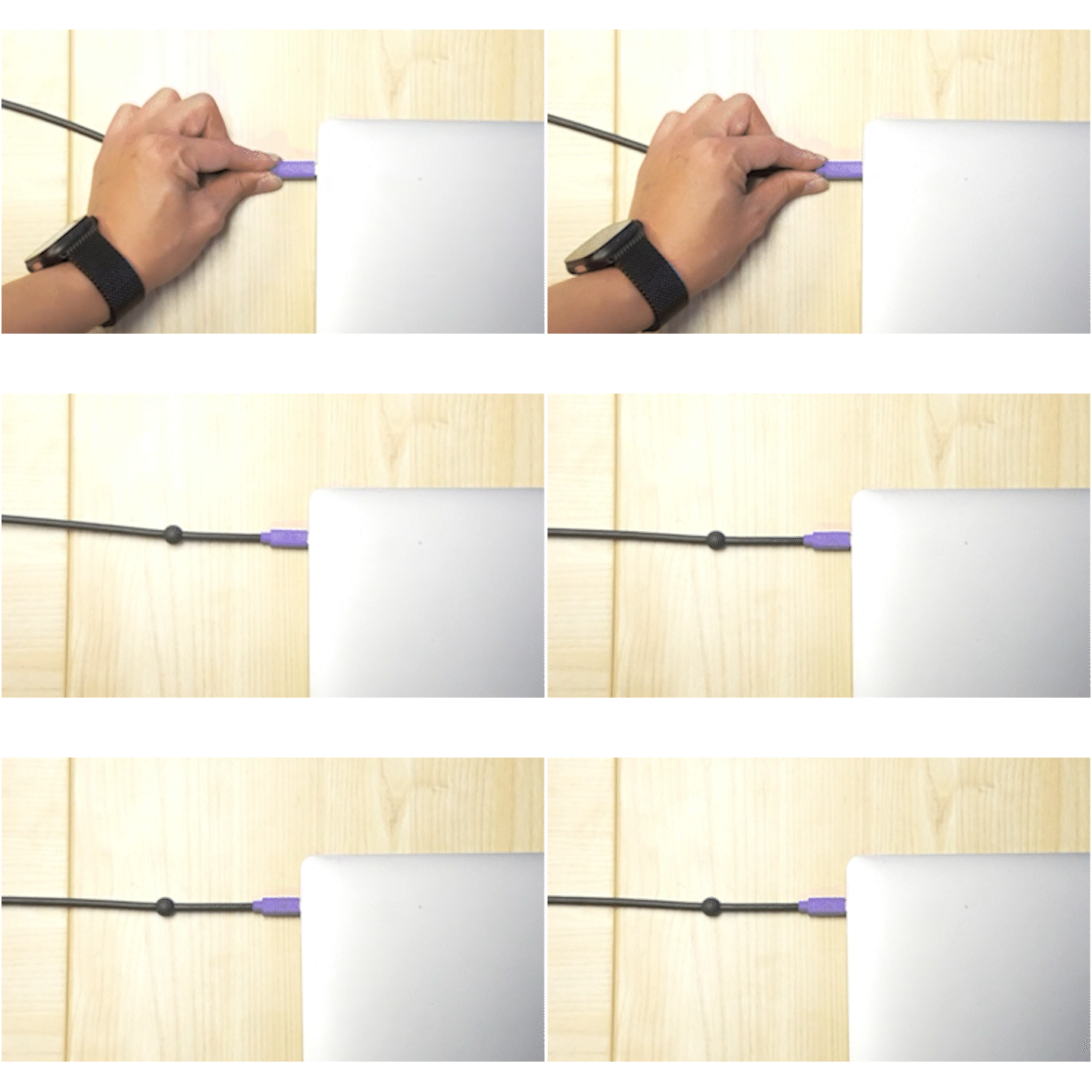
MeetUp 2 also supports BYOD (Bring Your Own Device) setups with a single Active USB cable. Employees can walk right into a meeting room and connect their personal device with one single cable to start collaborating instantly. MeetUp 2’s simple setup and single-cable BYOD support translate into immediate collaboration for employees.
You can also manage MeetUp 2 through Sync and Zoom Device Management, minimizing IT headaches and enabling faster workflows. Features such as remote access, monitoring device health, and pushing updates to your devices enable admins to monitor devices easily.
Upgrading to Android-based Zoom Rooms
For Android-based Zoom Rooms, upgrading to Rally Bar Huddle is a simple deployment with powerful AI-powered capabilities. It can be deployed with a Tap or Tap IP to provide employees with intuitive controls to one-touch start meetings, manage room activities, and adjust the camera.
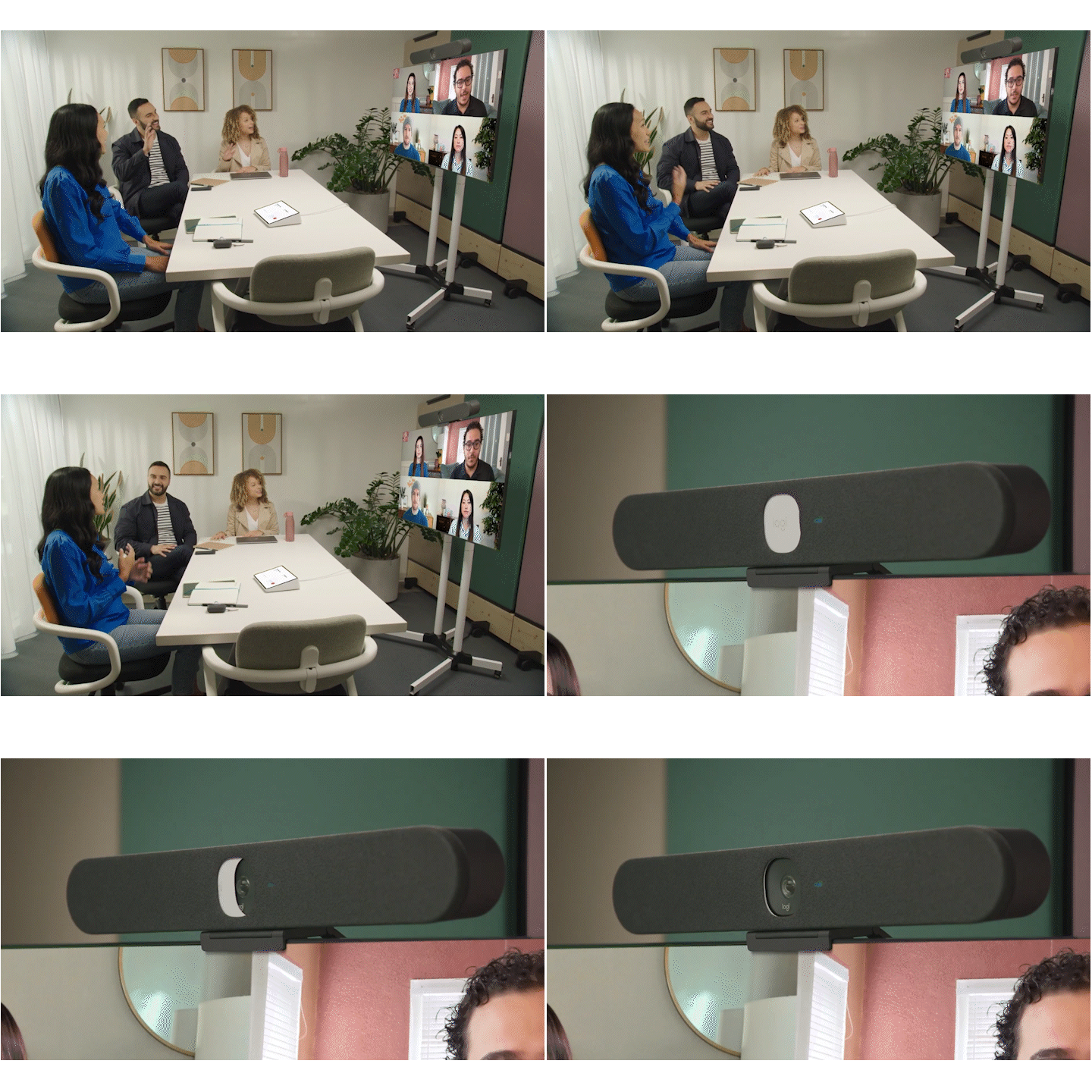
Rally Bar Huddle enhances your space with RightSound 2 and RightSight 2 for superior audio and video quality to foster better collaboration with the same features as we described earlier. These AI capabilities enable Zoom’s camera modes, such as Multi-Focus, which captures individual participants into a single stream, and Multi-Stream, which automatically captures in-room participants into their own separate tiles, to create a more engaging and productive experience for remote participants.
Rally Bar Huddle also features advanced device management through Sync and Zoom Device Management. Rally Bar Huddle enables your room to run Zoom application natively and provides IT with a deeper, centralized level of control. This capability allows IT to remotely trigger a full system reboot, directly push software updates, and access granular device settings. By enabling this level of remote troubleshooting and configuration, IT teams can resolve issues faster and minimize downtime for your rooms.
Upgrading your space with Logitech’s solution is simple. Enabling your rooms with smarter capabilities, ease of deployment, intuitive controls, and advanced AI features for better collaboration. Whether you are upgrading existing systems or outfitting new spaces, these solutions simplify room deployments and modernize your space to improve productivity and collaboration.