
The verification sequence of my Mobi Fold for Business does not register with Logi Bolt receiver
Launch Options+.
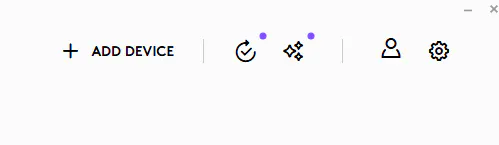
Click Add Device.
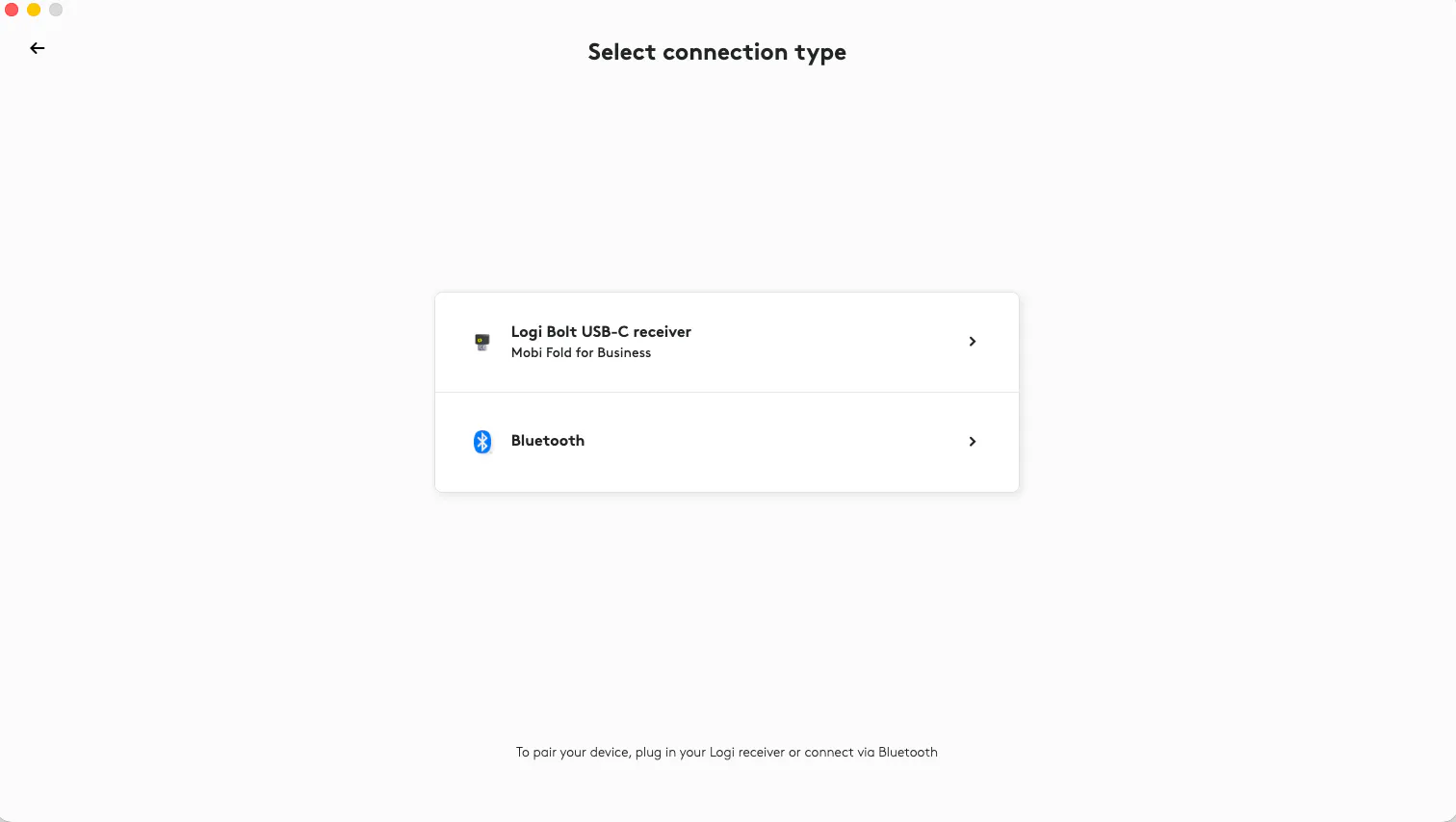
For the connection type, select Logi Bolt USB-C receiver.
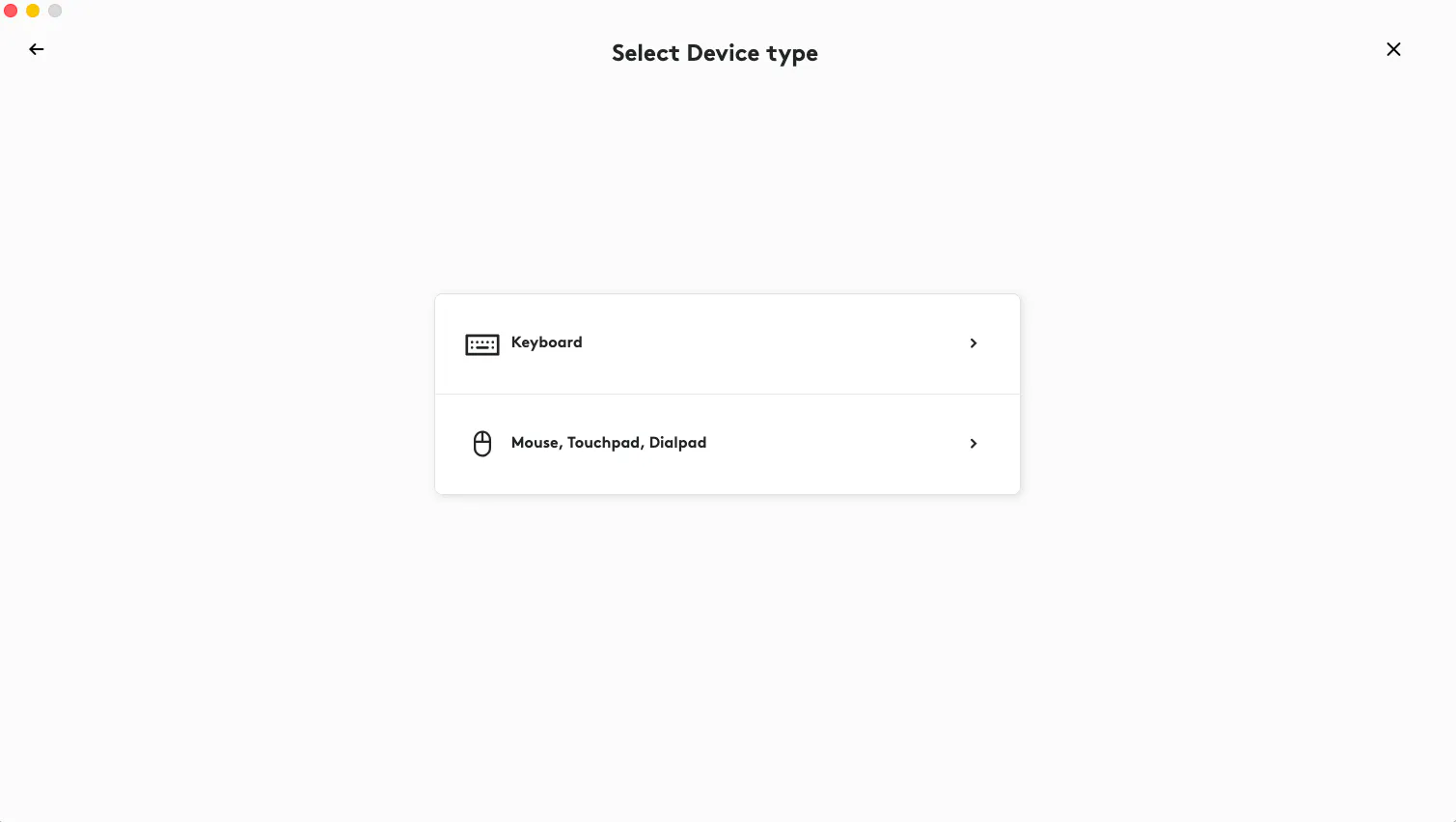
For the device type, select Mouse, Touchpad, Dialpad.
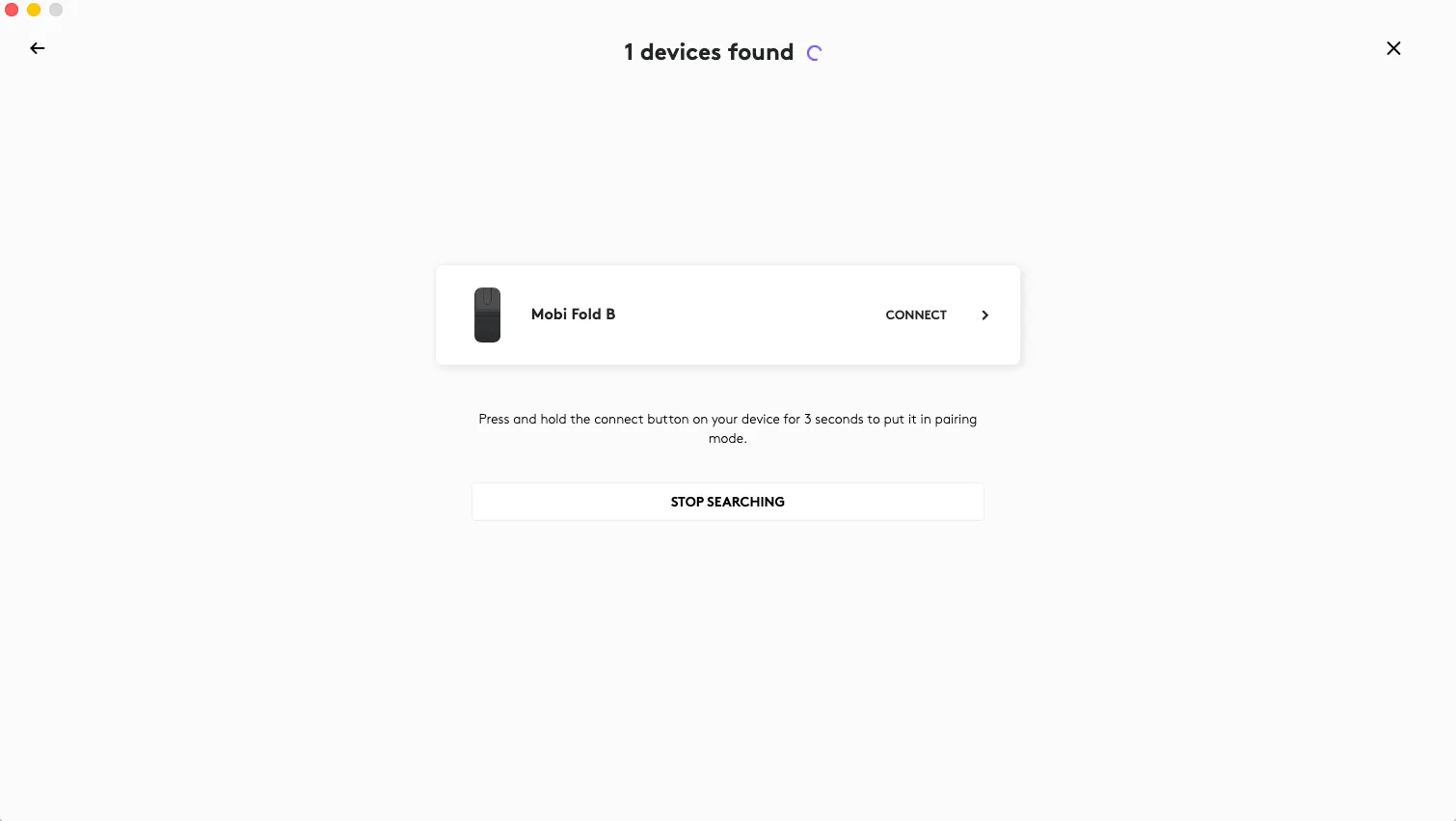
Click Connect for Mobi Fold B.
Complete the verification sequence based on the instructions generated in Options+:
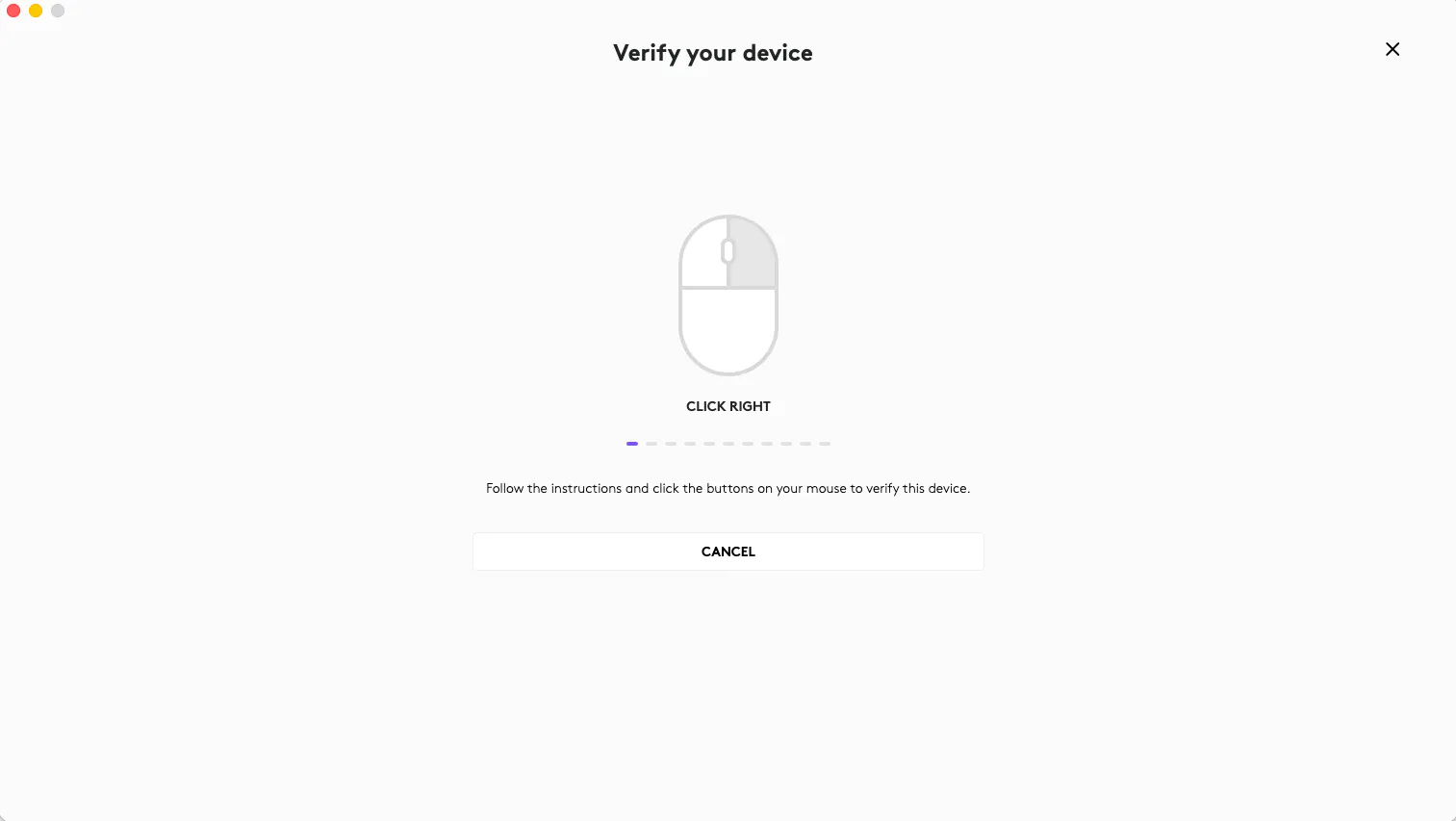
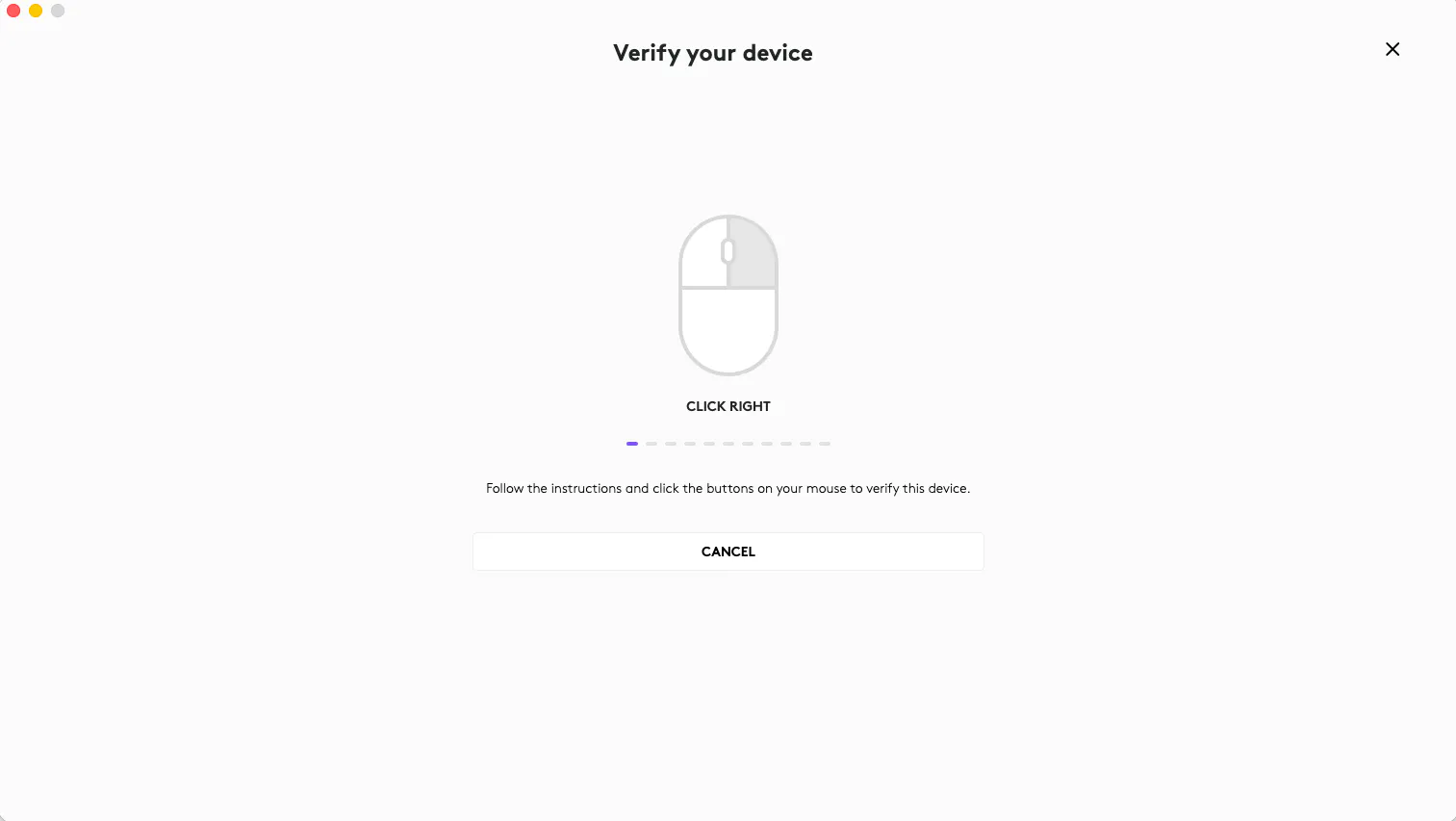
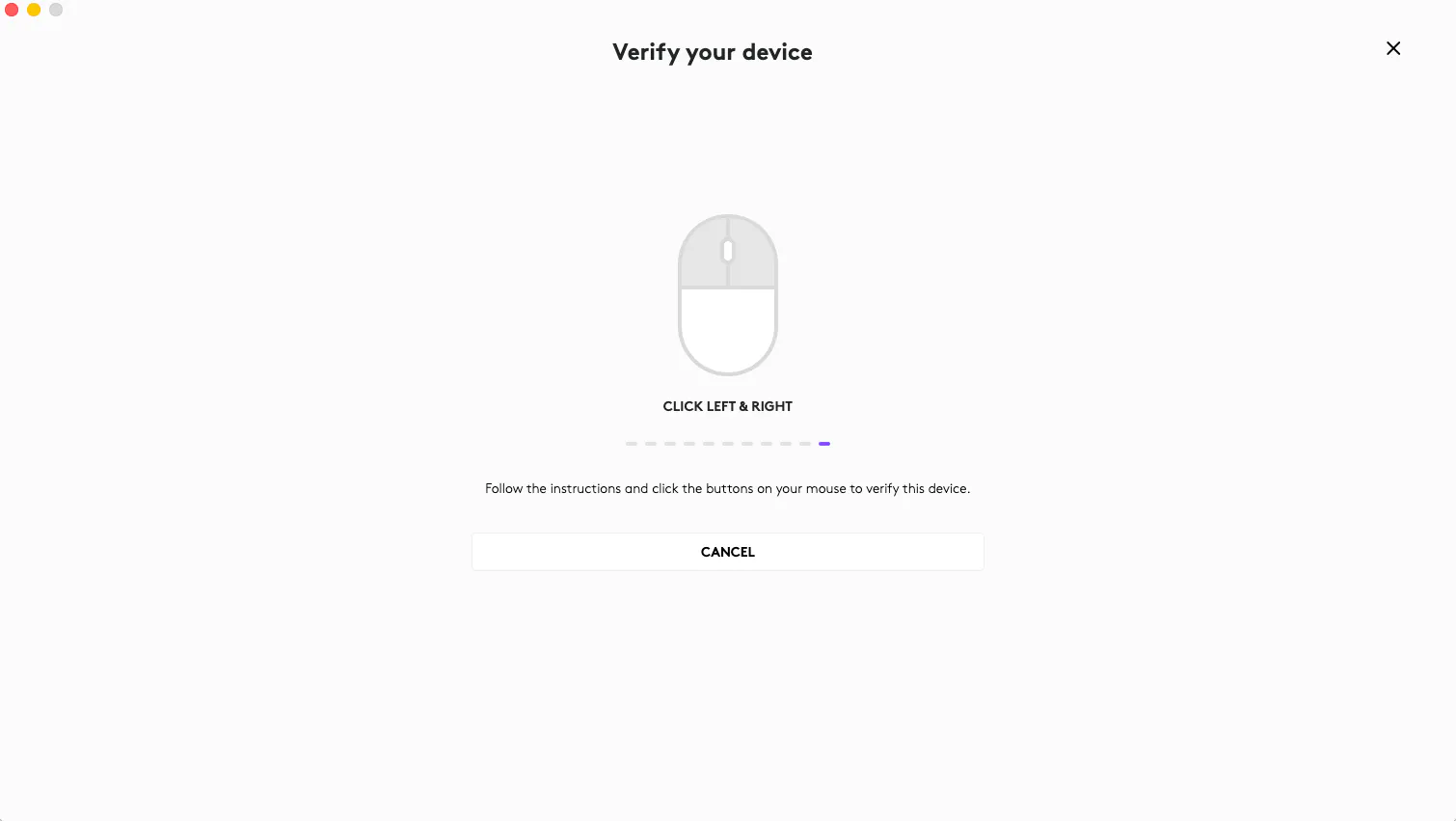
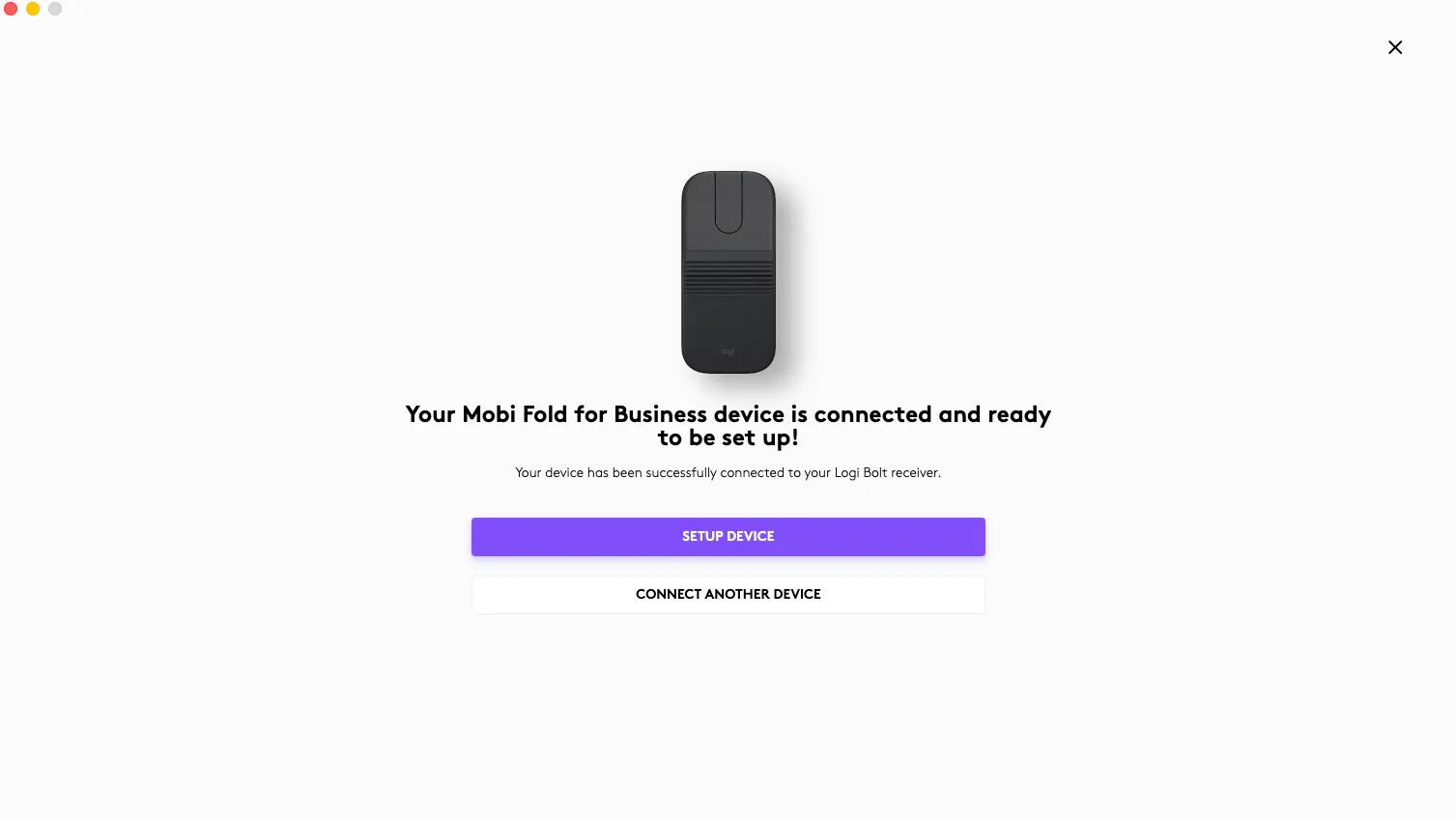
Note: When pairing your Mobi Fold for Business with Logi Bolt receiver, in case you find any of the required clicks not registered during the verification stage, please make sure that your Mobi Fold is not lifted off the desktop. Please make sure that your Mobi Fold is placed on your desktop at all times to perform the clicks during the entire verification stage.